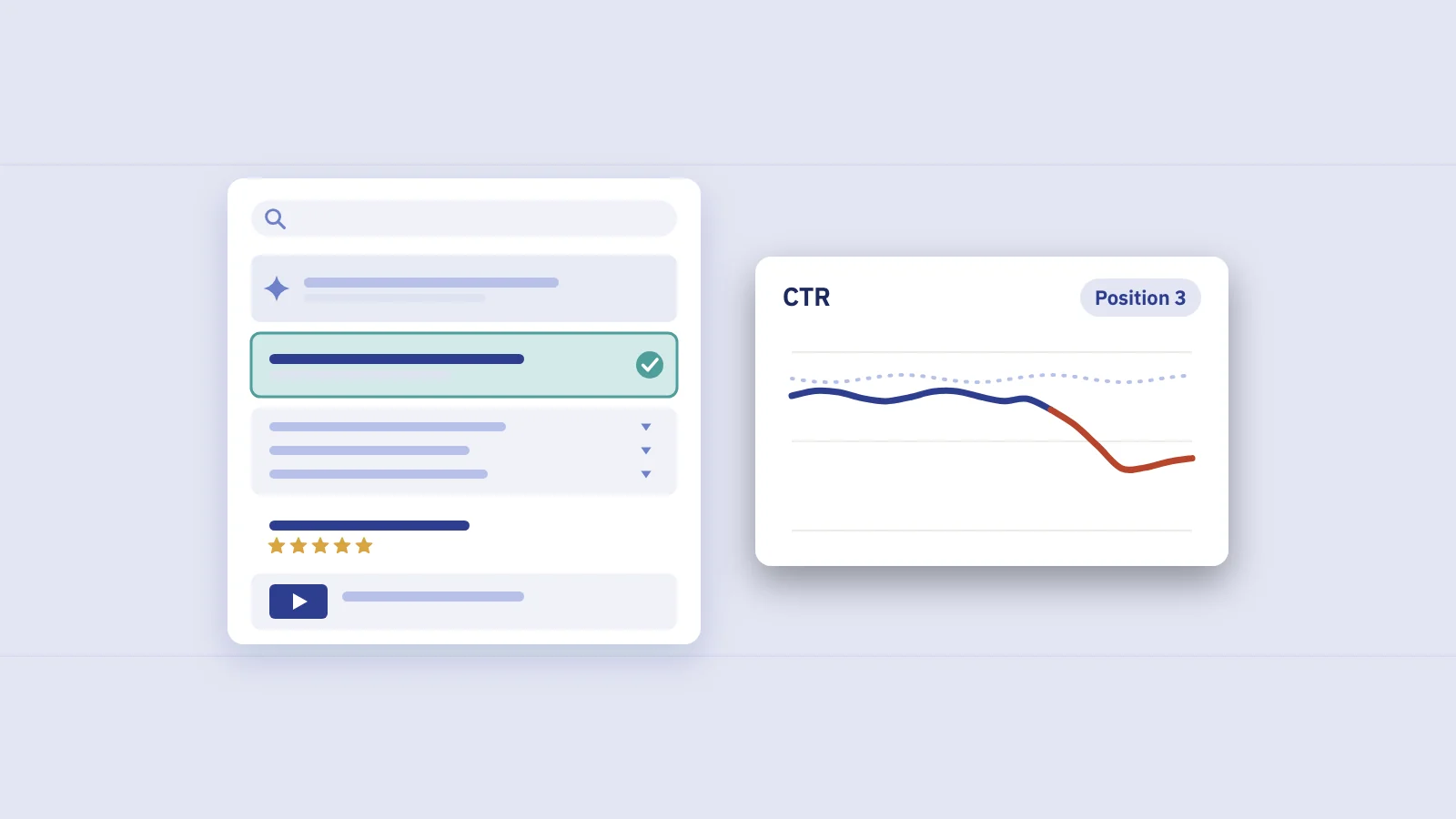
An SEO content strategy is a plan for which topics you publish, which page owns each topic, and how you measure whether it works in search. For a site that already gets traffic, the best input isn't a keyword tool. It's the demand you already see in Search Console, grouped into topics and measured group by group.
What an SEO content strategy is
A content strategy decides what you publish, for whom and why. An SEO content strategy narrows that to one question: which searches should our site answer, and with which pages?
It has three parts:
- Topics. The subjects your audience searches for that you can answer credibly, grouped so that each group can be served by one page or one small set of pages.
- Ownership. One page that is meant to rank for each group, with clear roles for the pages that support it.
- Measurement. A way to read clicks, impressions and position per topic group, so you can tell which parts of the plan are working.
What it isn't: a publishing calendar with a keyword next to each date. A calendar answers "what do we write next week". A strategy answers "what does the site need to cover, and how do we know when it's covered well".
SEO and content marketing: how they fit together
SEO and content marketing overlap but aren't the same job. Content marketing covers everything you publish to reach and keep an audience: newsletters, webinars, social posts, sales material, articles. SEO is about the slice of that audience that arrives from search, and about making pages that search engines can find, understand and rank.
In practice, content marketing sets the goals and the voice, and SEO tells you where the measured search demand is and which page should meet it. A content marketing strategy for SEO is the part of the plan where those two meet: topics chosen because people search for them and because answering them serves the business.
Google's own guidance points the same way. Its page on creating helpful, people-first content asks whether content is "primarily made to attract visits from search engines" and lists that as a warning sign. A good SEO content strategy picks topics from search demand, then writes for the reader.
Why start from the demand you already see
Most strategy guides start with a seed keyword and a keyword tool. That works for a new site. For a site with a few months of history, Search Console holds a better starting point:
- The demand is measured, not estimated. Impressions are how often Google actually showed your site for a query.
- Google has already matched you. Every query in the Performance report is one Google found your site relevant for. You start from evidence, not hope.
- You see which page Google picked. With the query and page dimensions together, you can see whether the page Google shows is the one you'd choose.
- It shows the long tail. Many queries in your report never appear in third-party keyword lists.
Search Console keeps 16 months of performance data, which is enough to see one year-over-year cycle. It also leaves out rare queries for privacy (anonymized queries), and its interface shows and exports at most 1,000 rows. For a full picture you need the Search Analytics API, the Looker Studio connector or the BigQuery bulk export.
Search Console only shows searches you already appear for. Topics you've never published about won't show up. That part of the strategy still needs research outside your own data, covered in the planning cycle below.
Step 1: Group your demand into topics
The unit of an SEO content strategy is the topic group, not the single keyword. A group is a set of queries that one page can satisfy: "invoice template", "free invoice template" and "invoice template word" belong together; "how to write an invoice" probably doesn't.
Export the last three to six months of queries with their landing pages, remove branded queries, and group them. Our guide to keyword clustering in Search Console covers the methods in detail: group by the page Google already ranks, then refine with rules on modifiers such as "price", "vs", "how to" or "for agencies".
For strategy, two extra decisions matter:
- Keep groups at a size you can act on. A group so broad that it needs ten pages is a theme, not a group. Split it.
- Name groups the way the business talks. "Invoicing for freelancers" is a group the sales team understands. "Cluster 14" isn't.
The output of this step is a list of named groups, each with its total impressions, clicks, average position and the pages that currently receive its clicks.
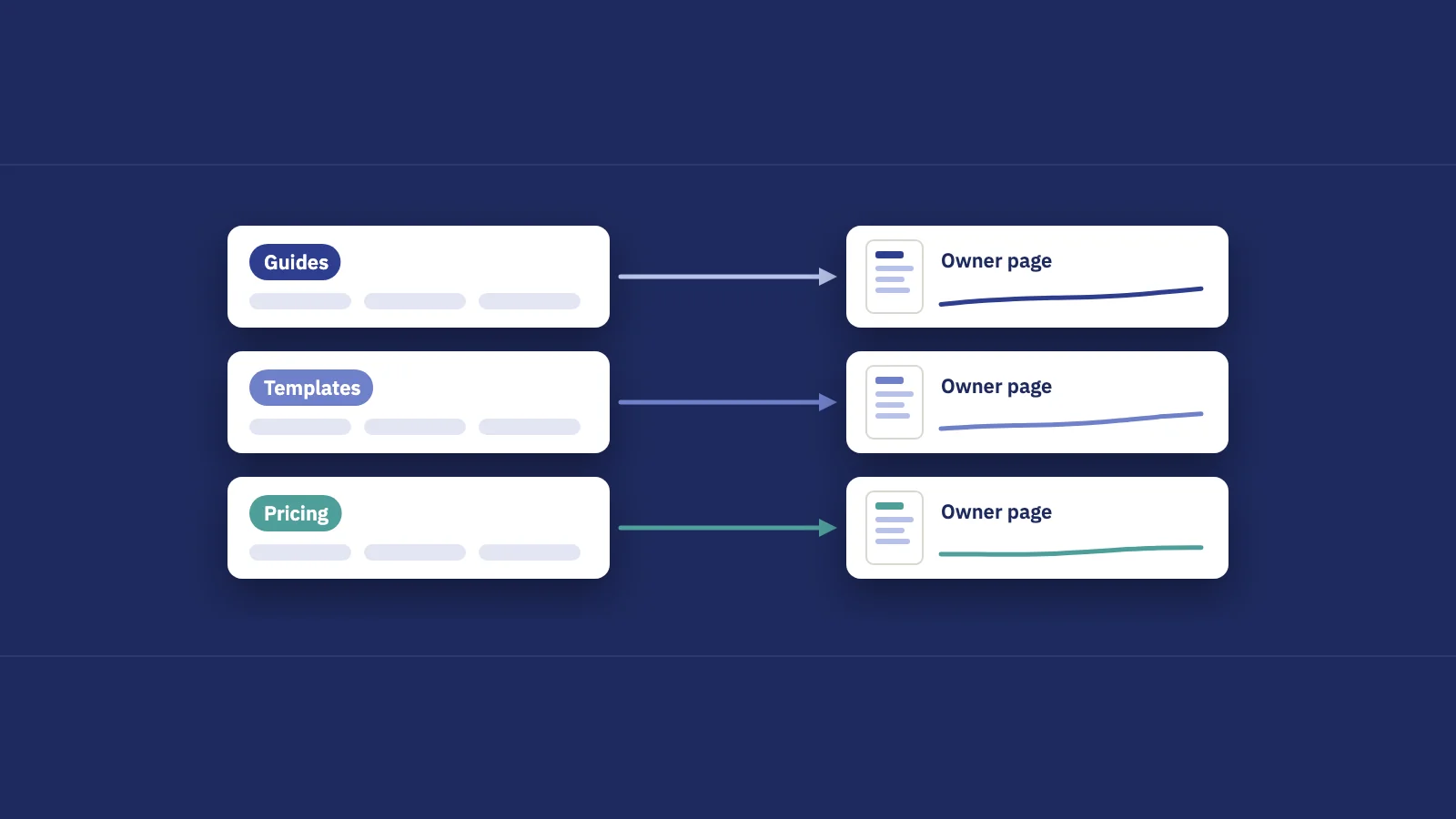
Step 2: Give every group an owner page
Once you have groups, decide which page owns each one. This is where most of the strategic work happens, because it forces choices that a keyword list hides.
| Topic group | Owner page | Supporting pages | Status |
|---|---|---|---|
| Invoice templates | /templates/invoice | Template variants by format | Owned, ranking 3–6 |
| Invoicing for freelancers | none (lands on home page) | Blog posts on getting paid | Gap: needs a page |
| Invoice vs receipt | /blog/invoice-vs-receipt | none | Owned, page two |
| Late payment reminders | two blog posts split clicks | Email templates | Overlap: pick one |
Example data.
Read the status column as a to-do list:
- Owned and ranking well. Maintain it. Watch for decline.
- Owned but weak. The right page exists but sits on page two or below. Improve it.
- No owner. Google sends the group to a generic page such as the home page or a broad category. That's a content gap; our guide to content gap analysis in Search Console shows how to find and brief these.
- Two owners. Two of your URLs split the group's clicks. That's keyword cannibalization, and choosing one page comes before writing anything new.
Supporting pages are the articles that answer narrower questions within a topic and link to the owner page. They help readers and give Google a clear path to the page you want ranked. Keep the roles explicit: a supporting page that starts competing with its owner for the main query has stopped supporting it.
Step 3: Decide what to build, fix or leave
With owners assigned, every group gets one of four actions. The signals come straight from your Performance data.
| Signal in Search Console | Action |
|---|---|
| Impressions are high, no dedicated page, position 8–30 | Build a page for the group |
| Owner page ranks 4–20 with steady impressions | Improve the owner page: answer the full group, tighten the title |
| Owner page lost clicks year over year | Refresh; see content decay |
| Two URLs each take a real share of the group | Consolidate into one owner |
| Low impressions, no business value | Leave it |
The "leave" row matters. A strategy that says yes to every group isn't a strategy. If a group has little demand and no connection to what you sell, skip it, however easy it looks.
To put groups in order, estimate the clicks at stake. Take a group's impressions, multiply by the CTR your site usually gets at a target position for similar queries, and subtract the clicks it earns today. Say a group has 12,000 impressions a quarter, earns 120 clicks, and your similar queries get around 6% CTR at position 4: the estimate is about 600 extra clicks a quarter. It's a rough ceiling, not a forecast. Weight it by business value (a group close to a purchase decision counts for more) and divide by effort.
Step 4: Measure content by keyword and page groups
A strategy built on groups has to be measured the same way. A site-wide total hides which topic moved, and one keyword at a time is too noisy to plan with. Two kinds of groups cover most needs:
- Keyword groups: the queries in a topic, measured by impressions, clicks, CTR and position.
- Page groups: the URLs in a section, such as /blog/ or /templates/, measured by the clicks and impressions of every query landing on them.
You can build both in Search Console with regex filters. Search Console uses RE2 syntax for regex filters, and Google documents the options in its help page on advanced filtering and comparison.
- Open Performance > Search results. Keep the search type on Web and pick a 3-month range.
- Add a page group filter. Click + Add filter, choose Page, switch to Custom (regex) and enter a pattern for the section, for example
/templates/. - Or add a keyword group filter. Choose Query instead, with a pattern for the topic, for example
invoice.*(template|sample|example). Our regex guide for Search Console has more patterns. - Compare with the same period last year. Use the Date filter's Compare tab, so seasonality doesn't look like progress or decline.
- Record four numbers per group: impressions, clicks, CTR and average position, plus the number of queries with impressions. A growing query count often shows a page earning trust for a topic before clicks move.
- Repeat per group and keep the numbers in one sheet. Search Console doesn't save filtered views, so you rebuild each filter every time.
Track the group's share too: its clicks as a share of all non-branded clicks. If the templates group grows 10% while the whole site grows 30%, the group is losing ground, even though its own line goes up.
Read average position per group with care. A group's average mixes every query in it, so adding a page that picks up dozens of new queries at position 40 can drag the average down while clicks rise. Our guide to average position explains why.
A quarterly planning cycle
An SEO content strategy isn't a document you write once. A simple quarterly rhythm keeps it current:
- Refresh the groups. Export the last quarter's queries and pages. New queries appear; assign them to existing groups or start new ones.
- Re-read the owner table. Did a group gain an owner? Did a second URL start splitting clicks? Did a page lose its position?
- Add topics from outside your data. Look at what your customers ask sales and support, and at topics your site has never covered. Search Console can't show demand you've never been matched to.
- Pick a short list. Choose the handful of build, improve and refresh actions with the best clicks at stake per hour of work.
- Log changes with dates. Note when each page was published or updated, so you can compare equal windows before and after.
- Review groups, not pages. At the end of the quarter, report on the groups you worked on and their share of non-branded clicks.
Running the strategy in Serplyze
The manual method works, but rebuilding the same filters every month is where most teams give up. Serplyze reads the same Search Console data and keeps the groups for you.
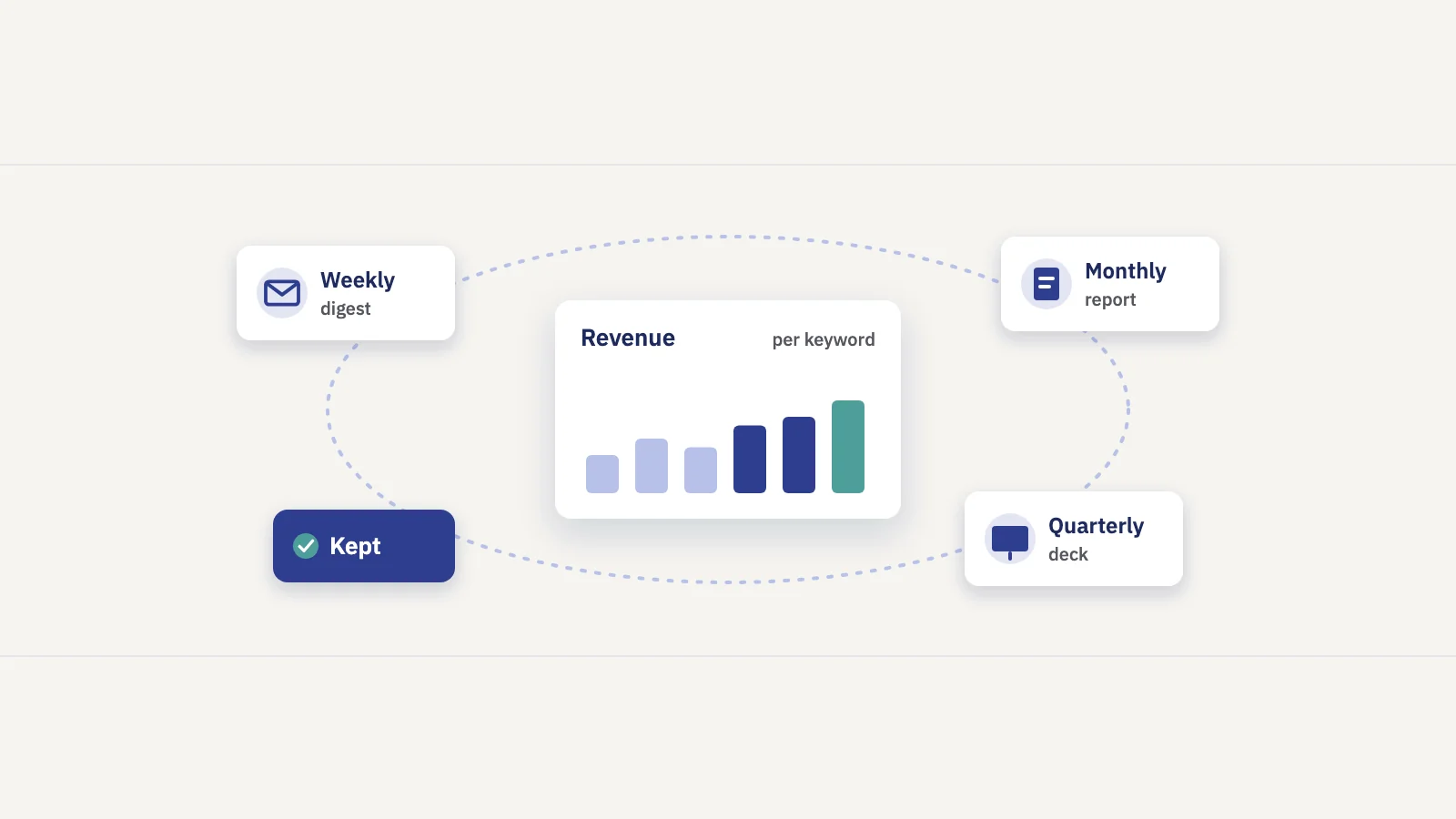
Content groups let you build keyword groups by hand or by rule (query text, landing URL, position, clicks, impressions or CTR) and page groups by URL rules, then read each group's clicks, visibility and rank spread over time. Page groups show each group's share of the site. Rule-based groups fill themselves as new matching queries are tracked, and the Traffic screen's Query × page tab shows which page receives each query, which is the input for the owner table above. You can also limit a scheduled report, or one section of it, to a group, so the quarterly review reads one row per topic.
Frequently asked questions
What is the difference between SEO strategy and content strategy?
A content strategy covers everything you publish and why, across all channels. An SEO strategy covers how your site earns search traffic, including technical work such as crawling and indexing. An SEO content strategy is where they overlap: which topics to publish for search, which page owns each, and how to measure them.
Is SEO part of content marketing?
They overlap. Content marketing is the wider practice of reaching an audience with content on any channel. SEO makes sure the part of it meant for search matches real demand and can be found and ranked. Most content teams treat SEO as one input to topic choice and page structure.
How do I build a content strategy for SEO on an existing site?
Export your Search Console queries with their landing pages, group them into topics, assign one owner page per group, and decide for each group whether to build, improve, refresh, consolidate or leave it. Then measure the groups each quarter.
How many pages should cover one topic?
One page should own each topic group. Supporting pages can answer narrower questions and link to it. If two of your pages split a group's clicks, consolidate them.
How do you measure an SEO content strategy?
By topic group rather than by single keyword: impressions, clicks, CTR, average position and the number of queries with impressions for each group, compared year over year, plus each group's share of non-branded clicks.
Key takeaways
- An SEO content strategy decides which topics your site answers, which page owns each topic, and how you measure them in search.
- On an existing site, start from Search Console: the demand is measured and Google has already matched you to it.
- Group queries into topics, give every group one owner page, and decide whether to build, improve, refresh, consolidate or leave.
- Measure by keyword and page groups with regex filters, compare year over year, and watch each group's share of non-branded clicks.
- Review the groups every quarter and add topics from outside your data, which Search Console can't show.
Serplyze keeps your keyword and page groups up to date from your own Search Console data, so each topic in your plan has its own clicks, visibility and trend. Start free and set up your first topic groups.