Google SERP features are the results on a search page that aren't a plain blue link: featured snippets, AI Overviews, People also ask, sitelinks, image and video results, rich results, the local pack and more. Some you earn with content, some with markup, and some you can only influence. This guide covers how each one is chosen, what it does to your click-through rate, and how to see its effect in Search Console.
If you want the anatomy of a results page first, start with what a SERP is. This post is the practical follow-up: for each feature, what Google says decides it, what you control, and where it shows up in your data.
Google SERP features at a glance
Every feature falls into one of three groups. That grouping tells you where to spend effort.
| SERP feature | How Google picks it | Your main lever | Where you see it in Search Console |
|---|---|---|---|
| Featured snippet | Google's systems pick a page; no markup can request it | A clear, concise answer on the page | Web search type, usually position 1; no separate filter |
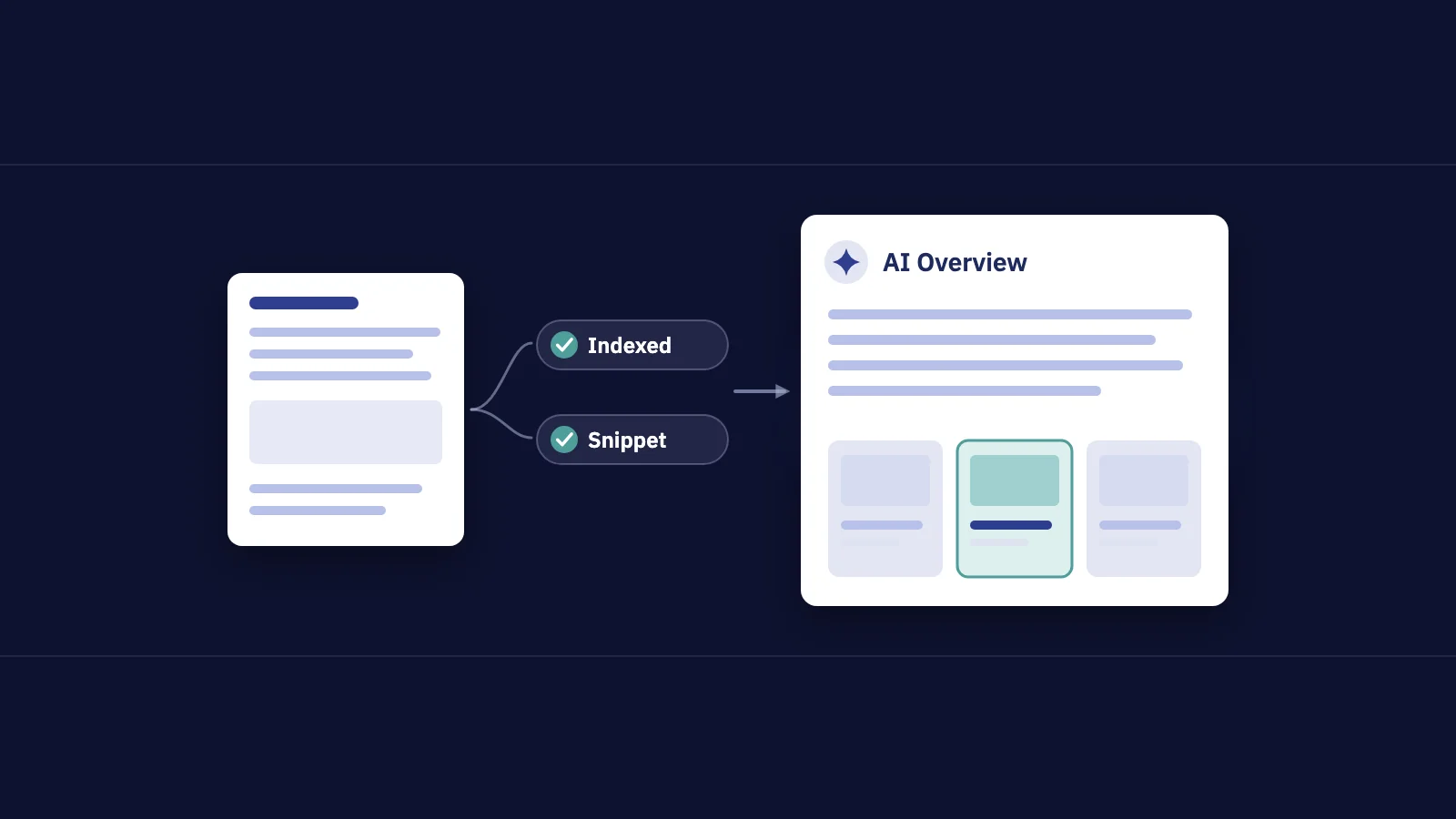
| AI Overviews and AI Mode | Pages that are indexed and eligible for a snippet | Helpful content; preview controls | Inside Web data; Generative AI performance report for impressions |
| People also ask | Related questions with answers from pages | Answer the follow-up questions on your page | Web data; links count only when a question is expanded |
| Sitelinks | Automated from your site's link structure | Titles, headings, internal links | Inside the main result's data |
| Rich results | Valid structured data plus Google's choice | Supported schema.org markup | Search appearance filter (Review snippet, Product snippets and others) |
| Video results and key moments | Indexed watch pages with an indexed video | Watch pages, Clip or SeekToAction markup | Video search type; Videos search appearance; Video indexing report |
| Image results | Indexed images on relevant pages | Image best practices | Image search type |
| Local pack | Relevance, distance and prominence | Google Business Profile | Business Profile Performance; not split out in Search Console |
| Knowledge panel | Google's own understanding of an entity | Consistent facts; claiming the panel | Not reported as a feature |
The rest of this guide goes through them in that order: content-driven first, markup-driven second, influence-only last.
SERP features you earn with content
Featured snippets
A featured snippet puts an extract from one page above the link to it. Google's featured snippets documentation is blunt about how to get one: you can't mark a page up for it. Google's systems decide whether a page would make a good featured snippet for a query.
What helps in practice is what makes an extract easy to lift: a heading that matches the question, followed directly by a short, complete answer, then the detail. A definition in one or two sentences, a numbered list for a process, a small table for a comparison.
If a snippet hurts you (for example, the extract answers the question so well that nobody clicks), Google documents three controls:
nosnippetremoves both featured and regular snippets from the page.max-snippetset to a low value makes a featured snippet less likely, but Google says it doesn't guarantee it.data-nosnippeton an element keeps that text out of all snippets.
Clicking a featured snippet takes the visitor straight to the matching section of the page, scrolled into view, when the browser supports it.
People also ask
The related questions block shows questions people ask around the query. Each one expands to a short answer from a page, and Google's documentation notes that featured snippets can appear inside it. There's no markup for this block. The lever is the same as for featured snippets: answer the follow-up questions on your page, each under its own heading, in plain words.
Search Console counts a People also ask link as an impression only when someone expands the question, per Google's Performance report counting rules. So a page that shows up mostly in expanded questions can have modest impressions and a decent CTR at the same time.
AI Overviews and AI Mode
These are generated answers with links to supporting pages. Google's page on AI features and your website says a page must be indexed and eligible to be shown with a snippet, and that there are no additional technical requirements or special optimizations. The same preview controls apply: nosnippet, data-nosnippet, max-snippet and noindex. Search Console now also has a site-level Search generative AI control under Settings to include or exclude your site from these features.
We cover what Google says about earning these links in a separate guide on how to rank in Google AI Overviews, and the cost in clicks in zero-click searches.
SERP features you earn with markup
Rich results
Review stars, product price and availability, recipe details, event dates, breadcrumbs: these come from structured data. Valid markup makes a page eligible; it doesn't guarantee the rich result, and Google has retired several types (FAQ, How-to and the sitelinks search box among them). Our guide to schema markup and rich results has the current list, the testing workflow and the enhancement reports, so we won't repeat it here.
Video results and key moments
Video results need more than a video on a page. Google's video SEO documentation lists the basics: the watch page must be indexed, the video must be embedded and visible on it, it needs a valid thumbnail and video file at stable URLs, and each video should have its own watch page. A blog post where the video only supports the text usually isn't a watch page.
Key moments, the labelled segments under a video result, can come from three places:
- Clip markup, where you set the start and end time and a label for each segment.
- SeekToAction markup, where you tell Google how timestamps appear in your URLs and it finds the segments.
- Automatic detection, where Google tries to find segments itself. For YouTube videos, timestamps in the description are used first.
The Video indexing report in Search Console tells you how many watch pages have an indexed video and why others weren't indexed.
Image results
Images show in Google Images and in image blocks on the main results page. Google's image SEO best practices come down to: use a real <img> element (CSS background images aren't indexed), write descriptive alt text, use meaningful file names, place images near related text, and submit an image sitemap for images Google might not find. To influence which image represents a page, specify a preferred one with og:image or the primaryImageOfPage property.
SERP features you can only influence
Sitelinks
Sitelinks are the extra links under a result, usually on brand searches. Google's sitelinks documentation says they're automated: you can't add them. Google picks them from your site's link structure and shows them only when it thinks they're useful.
What you can do: write clear, concise titles and headings, keep a logical structure with important pages linked from related pages, use short, descriptive anchor text, and avoid repeated content. To remove a sitelink you don't want, Google's suggestion is to remove the page or add noindex to it.
Local pack
The map with a few businesses is driven by your Google Business Profile, not your website alone. Google's Business Profile help says local results are ranked by relevance, distance and prominence. Calls and direction requests from the pack never reach your site, so they're reported in Business Profile Performance, not Search Console. For local queries, read the two reports side by side.
Knowledge panels and other features
Knowledge panels draw on Google's understanding of a person, organization or thing. People and organizations featured in one can get verified on Google and suggest changes. Top stories, discussions and forums, and shopping units each follow their own rules; Google's visual elements gallery names the parts of a result and links to their documentation.
How SERP features affect your CTR
Two different things happen to your click-through rate, and they point in opposite directions:
- A feature you own usually lifts your CTR. A review snippet, sitelinks or a featured snippet make your result bigger and more specific than the ones around it.
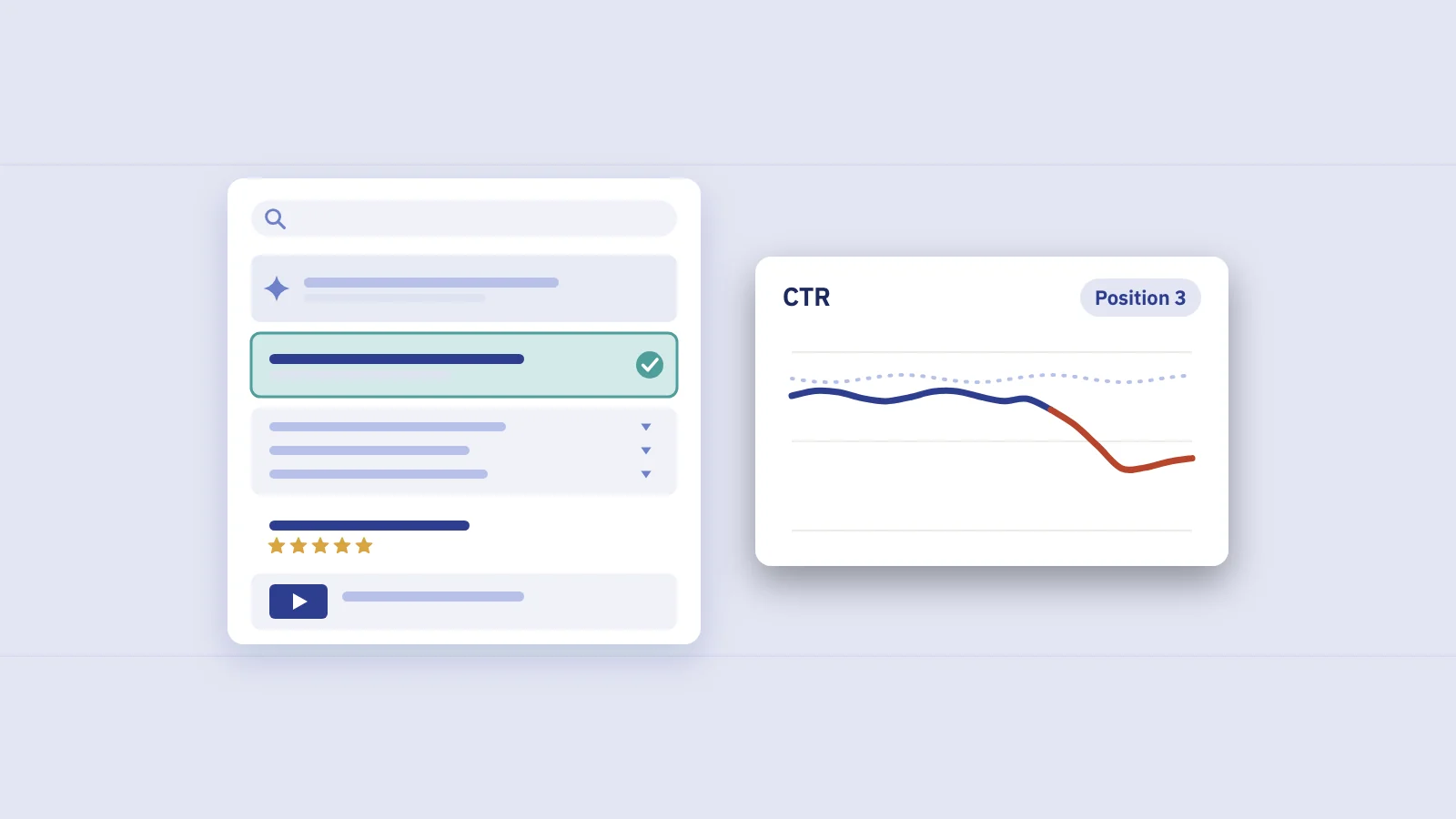
- A feature above you usually lowers it. An AI Overview, a local pack, a video carousel or a featured snippet belonging to someone else pushes your result down the screen or answers the question in place.
That's why CTR by position from another site, or even from another query on your own site, means little. Say a query sits at position 3 with a 6% CTR for a year, and then drops to 4% without the position moving. Your page didn't change; the page around it did. That's the pattern to look for, and it only shows when you compare a query with its own history. Our guide to what a good CTR is explains how to build that baseline.
Search Console also counts positions differently for features. An AI Overview takes a single position, and every link inside it shares it; a featured snippet is typically position 1; ads take no position at all. The SERP guide has the full rules.
How to see SERP features in Search Console
Search Console doesn't show you the results page, but it records enough to see which features you earn and what the page around you costs.
- Open Performance > Search results and set at least 3 months.
- Check the search type. The filter at the top switches between Web (text-based and multimodal), Image, Video and News. Your image and video results show under their own types.
- Open the Search appearance tab under the chart. It lists the result types your pages earned, such as Review snippet, Product snippets, Videos, Merchant listings or Translated results, with clicks, impressions, CTR and position for each.
- Filter to one appearance with + Add filter > Search appearance, then open the Pages tab to see which URLs earn it.
- Compare before and after a change, such as adding markup, with Date > Compare, and read the change in clicks and CTR on the same pages.
- Find stable-position CTR drops. Compare the last 3 months with the same months a year earlier, open the Queries tab, and look for queries whose position moved by less than one place while their CTR fell clearly. Those are queries where a feature above you is taking clicks.
- Open the Generative AI performance report to see which pages were shown in AI Overviews and AI Mode. It reports impressions only, by page, country, device and date.
Search appearance covers features your own pages earned. Google doesn't list AI Overviews or AI Mode there; their clicks and impressions are already inside your Web numbers, and the Generative AI report shows their impressions. Featured snippets and sitelinks have no filter either, so you infer them from position and CTR.
Then search your top queries yourself and note which features appear above your result. Treat what you see as one sample: the page changes with location, device and language.
Tracking SERP features over time with Serplyze
Serplyze reads the same Search Console data and keeps it in one place, so the checks above don't need rebuilding every month. The Traffic screen has a search appearance breakdown for the whole site, showing each type's share of impressions and its change against your comparison period. The AI search impact screen lists top-3 queries that lost click-through while their position held, the pattern a new feature above you leaves. It labels those as estimates, because Search Console doesn't say which feature took the clicks.
Frequently asked questions
What are SERP features?
Any result on a Google search page that isn't a standard organic link: featured snippets, AI Overviews, People also ask, sitelinks, rich results, image and video results, the local pack, knowledge panels and others. Which ones appear depends on the query, the searcher's location, language and device.
How do you get a featured snippet?
You can't request one or mark a page up for it; Google chooses. Pages that answer a question directly, under a heading that matches it, are easier to extract from. If you don't want one, nosnippet removes it, and a low max-snippet makes it less likely.
Does schema markup guarantee a SERP feature?
No. Valid structured data makes a page eligible for the matching rich result, and Google decides whether to show it. Google also says no special schema is needed to appear in AI Overviews or AI Mode.
Can I choose my sitelinks?
No. Sitelinks are automated. You influence them with clear titles, a logical structure and descriptive internal links, and you can remove an unwanted one by removing the page or adding noindex.
Do SERP features count as a ranking position in Search Console?
Most do. An AI Overview takes one position shared by all its links, a featured snippet is typically position 1, and blocks of images share a single position. Ads take no position, and the knowledge panel is counted after the main column.
How do I know if a SERP feature is costing me clicks?
Look for a query whose position held while its CTR fell, compared with the same months a year earlier. Search Console can't name the feature responsible, so check the results page yourself to see what appeared above you.
Key takeaways
- Google SERP features fall into three groups: earned with content (featured snippets, People also ask, AI Overviews), earned with markup (rich results, video, images) and influence-only (sitelinks, local pack, knowledge panels).
- Featured snippets and sitelinks can't be requested;
nosnippet,max-snippet,data-nosnippetandnoindexare the documented controls. - A feature you own tends to lift CTR; a feature above you tends to lower it, so compare each query with its own history.
- In Search Console, use the search type filter, the Search appearance tab and filter, and date comparisons; AI features are inside Web data, with impressions in the Generative AI report.
- A position that held while CTR fell is the clearest sign a feature above you is taking clicks.
Serplyze tracks your keywords from your own Search Console data, breaks traffic down by search appearance and flags top queries that lost clicks at a stable position. Start free and see which SERP features shape your traffic.