SEO clients rarely leave because rankings fell. They leave because they stopped seeing what they were paying for. The SEO client retention strategies that work come down to four things: setting expectations before the work starts, reporting in business terms, keeping a steady cadence of contact, and showing the work you did next to the results it produced.
Why SEO clients churn
Every agency's churn has its own story in the exit notes, but they tend to fall into a few patterns. None of them is "SEO stopped working".
Expectations were never agreed. The client expected page-one rankings in two months, or traffic to double, and nobody wrote down what was realistic. When the result is slower, the gap feels like failure even if the work is going well. Google's own guidance on hiring an SEO is blunt: no one can guarantee a #1 ranking on Google.
The value was invisible. Reports showed rankings and traffic, but the client's boss asked what SEO brought in. If the only answer is "more impressions", the budget is the first to be cut.
Silence between reports. A monthly PDF and nothing else. The client doesn't know what you worked on, so they assume it was not much.
A drop with no explanation. Traffic falls after a Google update or a site release, and the client hears about it from their own dashboard before they hear from you.
Results were real, but credited elsewhere. Organic revenue grew, but nobody connected it to the pages and keywords you worked on, so paid search or the brand team got the credit.
The client outgrew the scope. They now need content at scale, a migration or international work, and you weren't part of the conversation.
Most of these are communication problems. The fixes below address them in order.
Set expectations before the work starts
Retention begins in the sales call. Promises made to close the deal become the yardstick you're judged by a few months later.
- Agree the baseline. Pull the last 16 months from the client's Search Console (or as much as exists) and record clicks, impressions and positions for the keyword groups that matter. Without a baseline, every later conversation is opinion.
- Agree two or three KPIs. Pick metrics you can influence and the client cares about: non-brand organic clicks, positions for priority keyword groups, and organic conversions or revenue. Our SEO KPIs guide covers which to choose and which vanity metrics to drop.
- Agree what "early" looks like. Clicks lag behind work. Tell the client which leading signals to expect first (impressions for new pages, positions moving from page three to page two) and when you'll review them.
- Name what you don't control. Google updates, results page changes such as AI Overviews, the client's own development queue and seasonality. Write them down in the proposal.
- Agree the cadence. Which reports, how often, who gets them, and when you meet.
Put the baseline, KPIs and review dates on one page and send it after the kickoff call. It is the most useful document you'll have when someone new joins the client's side and asks what SEO has done.
Onboard the client properly
The first 30 days set the tone. A tidy onboarding also removes many reasons for friction later.
Access. Ask the client to add you to Search Console. A Full user can see all data and take some actions; a Restricted user has simple view rights on most data. Ask for GA4 access too, and confirm whether Search Console is linked to GA4.
Kickoff questions. What does a good lead or sale look like? Which products or services have the best margin? Which pages does the sales team send people to? What launches or migrations are planned? The answers decide which keyword groups you track and report.
First findings within two weeks. A short list of quick wins and risks, prioritized, with an owner for each. It shows the client you looked closely at their site and gives them something to act on.
A shared log. Agree on one place where both sides record changes: releases, content updates, campaigns. When numbers move, the log explains why.
Prove value with reporting tied to business outcomes
Rankings are the means. The client pays for leads and revenue. Reports that stop at positions and clicks leave the most important question unanswered.
Connect revenue to pages and keywords
Search Console knows which queries brought clicks to which pages. GA4 knows which landing pages produced sessions, conversions and revenue. Neither knows both. You can link the two in GA4: the Search Console integration adds reports for organic search queries and for landing pages with Search Console and Analytics metrics side by side, with Search Console metrics limited to Search Console dimensions plus landing page, device and country.
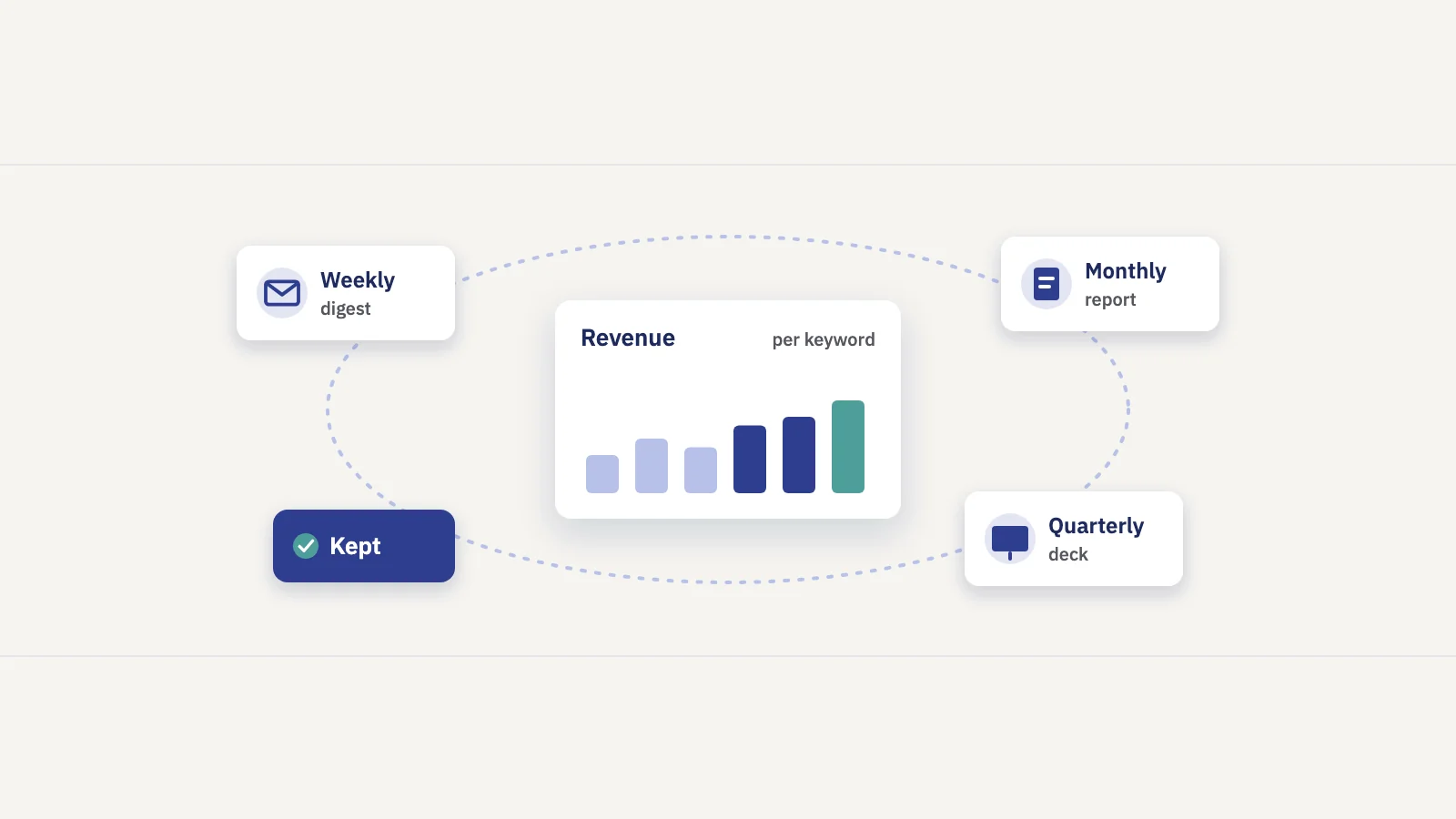
That gives you revenue per landing page, which is solid and measured. Revenue per keyword is a step further: you have to split each page's revenue across the queries that sent its clicks. A simple, honest method is to split it in proportion to each query's share of the page's clicks, and to label the result as an estimate. Our guide to Google Analytics for SEO walks through building an organic revenue view.
| What you report | Source | Measured or estimated |
|---|---|---|
| Organic clicks and positions | Search Console | Measured |
| Organic sessions, conversions, revenue per landing page | GA4 | Measured |
| Revenue per keyword or keyword group | Page revenue split by click share | Estimate, show a range |
| Revenue at stake if a keyword reaches the top 3 | Expected clicks at a higher position × revenue per click | Estimate |
Be explicit about which numbers are estimates. A client who catches one overstated figure stops trusting the rest of the report.
Report the work next to the result
Every report should list what you did in the period and what changed afterwards, on the pages and keywords each change targeted. Compare equal date windows before and after the change, and put the whole site's change in the same weeks next to it, so a sitewide trend doesn't get credited to one edit. A before and after comparison shows correlation, not proof; say so once, and clients will respect the rest of the numbers more.
Explain drops before the client asks
When something falls, tell the client first, with what you know so far and what you're checking. A short note within a day of noticing the drop does more for retention than a polished explanation a month later.
Our SEO report template gives a section-by-section structure for the monthly report, and the SEO client dashboard guide covers what to show between reports.
Keep a regular cadence
Clients stay when they hear from you on a predictable schedule, with the right depth for each touchpoint.
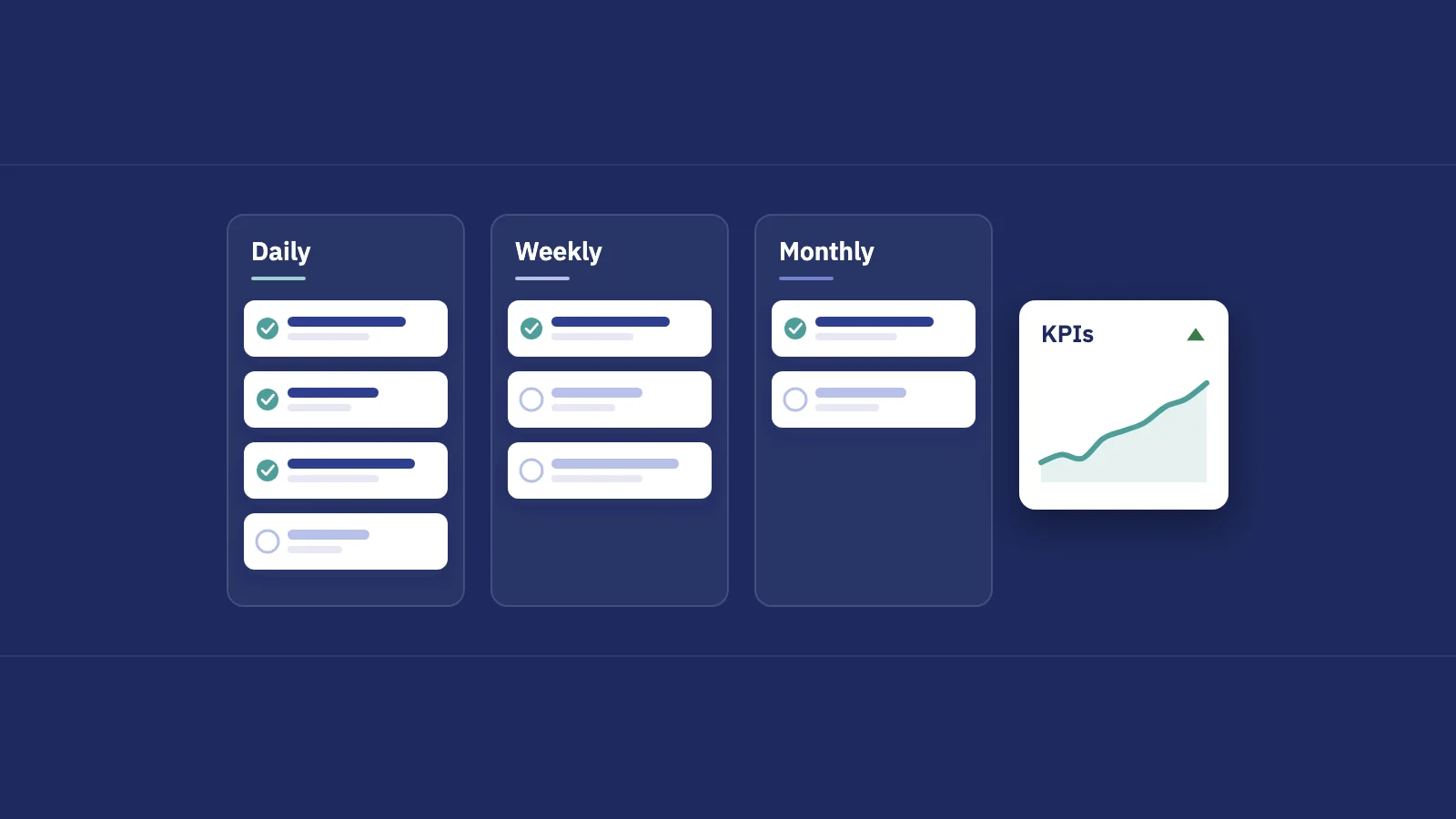
| Cadence | Format | Purpose |
|---|---|---|
| Daily, internal | Alerts on drops and lost rankings | You find problems before the client does |
| Weekly | Short update or email digest | What moved, what you shipped, what's next |
| Monthly | Report against KPIs | Progress, revenue, actions and their impact |
| Quarterly | Meeting with a short deck | Results, plan for the next quarter, scope changes |
Weekly. A few lines are enough: the week's clicks against the previous week, the biggest winners and losers, what you shipped. If writing it takes more than 15 minutes, it is too long.
Monthly. The full report. Send it on the same day every month, with a short written summary at the top that someone can read in a minute.
Quarterly. A meeting with a handful of slides: where the KPIs stand against the baseline, the revenue story, what worked, and what you propose next. This is where you catch a client outgrowing the scope before they go looking elsewhere.
A retention checklist
Run through this for every account once a quarter. Any "no" is a risk worth fixing.
- Is the baseline and the agreed KPI list written down and shared?
- Did the client get every scheduled report on time this quarter?
- Does the report show organic revenue or conversions, not just traffic?
- Is every significant change logged with its date and measured impact?
- Did you explain the last drop before the client asked?
- Have you met the decision-maker, not only your day-to-day contact, in the last quarter?
- Do you know the client's plans for the next six months?
How Serplyze helps keep SEO clients
Everything above works with Search Console, GA4 and a spreadsheet. The cost is time, and time is what agencies run short of when they have twenty clients. A few parts of Serplyze are built for exactly these steps:
- Revenue per keyword. Link a GA4 property to a project and the Revenue screen shows organic Google revenue per landing page as GA4 measured it, plus an estimate per keyword and keyword group with an 80% range and a confidence level. See SEO revenue attribution.
- Scheduled reports. Build a report once with the sections you need (including revenue and the actions you logged with their before/after impact), then send it daily, weekly or monthly, as a PDF or a read-only share link. With the Agency add-on, reports, PDFs and links carry your brand instead of ours. See SEO reports.
- Weekly summary and alerts for your team. A Monday summary email of each project's week, and alerts on rank drops and click losses, so you see problems first.
- Meeting decks (Agency add-on). Build a deck for a client meeting from the project's own data, present it full screen, and share a link or save it as a PDF.
- Client portal (Agency add-on). Clients sign in to a read-only view of only the projects you choose. See client portal.
Frequently asked questions
Why do SEO clients leave?
Mostly because expectations weren't agreed at the start, reports didn't connect SEO to revenue or leads, or communication between reports was thin. Unexplained drops and results credited to other channels are the other common reasons.
How do you retain SEO clients?
Agree a baseline, KPIs and a review schedule before the work starts; onboard properly with access and a shared change log; report organic revenue and the work you did next to its measured impact; and keep a predictable weekly, monthly and quarterly cadence.
How do you show SEO ROI to a client?
Link Search Console to GA4 to see organic revenue per landing page, then estimate revenue per keyword by splitting each page's revenue by click share. Show measured and estimated numbers separately, and compare them with the cost of the work.
How often should an agency report to SEO clients?
A short weekly update, a monthly report against KPIs and a quarterly review meeting suit most retainers. Internally, check alerts daily so you can raise problems before the client notices them.
What should be in SEO client onboarding?
Search Console and GA4 access, a kickoff call on business goals and margins, a recorded baseline, two or three agreed KPIs, the reporting schedule, a shared change log, and a prioritized first findings list within the first two weeks.
Key takeaways
- SEO clients usually churn over expectations, invisible value and silence, not over rankings alone.
- Agree a baseline, two or three KPIs and a review schedule before the work starts, and name what you don't control.
- Onboard with proper access, a kickoff on business goals, a shared change log and early findings.
- Report revenue per landing page from GA4 and per keyword as a labelled estimate, and show your work next to its measured impact.
- Keep a steady cadence: daily alerts internally, weekly updates, monthly reports and a quarterly review meeting.
Serplyze combines your clients' Search Console and GA4 data into revenue per keyword, scheduled white-label reports and meeting decks, so every client sees what SEO earns them. Start free and connect a client's Search Console in a few minutes.