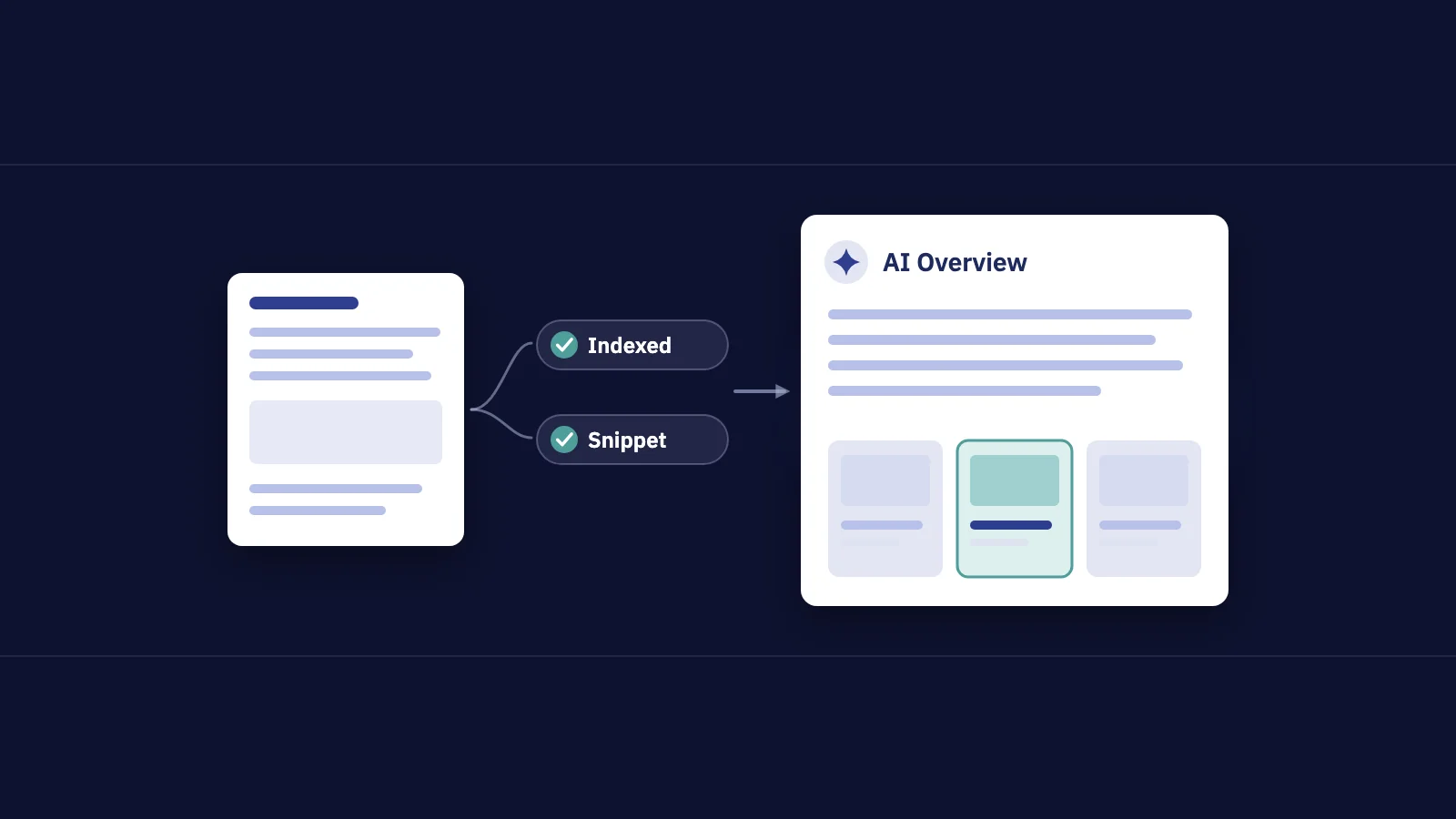
To rank in Google AI Overviews, a page has to be indexed and eligible to show in Search with a snippet. Google says there are no extra requirements, no special optimizations, no AI text files and no special schema. What gets a page cited is what helps it in Search generally: unique, helpful content that Google can crawl, index and understand. This guide sticks to what Google documents, turns it into practical steps, and shows how to measure the result in Search Console.
There's a lot of "AI Overview SEO" advice around that Google has never confirmed. Everything below is tied to a Google source, and where Google doesn't say something, we say so.
What Google says about AI features and your website
Google's Search Central page AI features and your website is the primary source. Its main points:
- Same SEO, no extras. Google says the best practices for SEO remain relevant for AI Overviews and AI Mode, and that there are "no additional requirements" to appear in them.
- Eligibility is the snippet test. To be shown as a supporting link, a page must be indexed and eligible to be shown with a snippet, meeting the Search technical requirements. Meeting them doesn't guarantee that a page is crawled, indexed or shown.
- No new files or markup. Google says you don't need new machine-readable files, AI text files or markup, and there's no special schema.org structured data to add.
- AI Overviews don't always show. They appear only when Google's systems decide they add something beyond classic Search, so many queries don't get one. Our guide to Google SERP features covers the other blocks that can appear instead.
- Query fan-out. Both features may run several related searches across subtopics and data sources while building an answer. Google says this lets them show a wider and more diverse set of links than a classic web search.
So there's no separate ranking system you can tune for. A page that's a strong result for the subtopics behind a question is a candidate to be cited when an AI answer covers that question.
What you don't need to do
Several tactics are sold as AI Overview optimization. Google's documentation doesn't support them:
| Tactic | What Google says |
|---|---|
| An AI text file (such as llms.txt) | Not needed: "You don't need to create new machine readable files, AI text files, or markup" |
| Special schema for AI Overviews | "There's also no special schema.org structured data that you need to add" |
| A separate "AI version" of your pages | No additional requirements beyond indexing and snippet eligibility |
| Using Google-Extended to control AI Overviews | Google-Extended concerns AI training, and grounding in some of Google's other systems; the Search controls are listed below |
None of this means structured data or clean pages are useless. It means they're Search fundamentals, not AI-specific levers.
Content practices that match Google's guidance
In May 2025 Google published top ways to ensure your content performs well in its AI experiences. Each point below comes from that post or the AI features page, followed by what it means in practice.
Write unique, non-commodity content
Google's advice is to focus on "unique, non-commodity content" that people find helpful and satisfying. It notes that in AI search, people ask longer, more specific questions and follow-up questions.
In practice: a page that restates what ten other pages say gives an AI answer nothing it can't get elsewhere. Your own data, tested steps, worked examples, first-hand experience and clear verdicts are what a summary can't fully replace. Google's helpful content self-assessment is a good checklist here.
Cover the follow-up questions
Because people ask follow-ups and AI features fan out into subtopics, a page that only answers the headline question is a narrow target. Your Search Console data shows the follow-ups. Filter the Queries tab to one page and read the long, question-style queries it already gets impressions for. Each one you answer clearly, under its own heading, is another subtopic the page can be a good result for. Our guide to AI search visibility has a regex for pulling those queries out.
This is our practical reading of Google's guidance, not a documented ranking factor.
Make the page easy to use
Google asks for a good page experience for visitors from classic and AI results: the page displays well on every device, loads quickly, and makes the main content easy to tell apart from everything else. Someone who clicks through from an AI answer usually wants a specific detail. Make it easy to find.
Keep content crawlable and in text
From the AI features page: allow crawling in robots.txt and in any CDN or hosting setup, make content findable through internal links, and keep important content available as text. The May 2025 post adds that pages should return HTTP 200 and have indexable content. Content that only exists inside an image, behind a login or in a script Google can't render can't be used.
Support text with images and video
Google points to multimodal search, where people search with a photo and ask about it. Its advice: support text with high-quality images and videos where relevant, and keep your Merchant Center and Business Profile information up to date.
If you use AI to write, review it
Google's guidance on generative AI content says using AI tools to generate many pages without adding value may violate its spam policy on scaled content abuse. It also asks you to fact-check AI output, including titles, meta descriptions, structured data and alt text.
The best schema for AI Overviews
There isn't one. Google says no special schema.org markup is needed for AI features. What it does say about structured data:
- It must match the visible content. Markup that describes things a visitor can't see on the page breaks Google's structured data guidelines.
- It makes pages eligible for rich results. Product, Review snippet, Recipe, Video, Article and the other supported types still matter for the classic results on the same page. Our guide to schema markup and rich results lists the current ones.
- Validate it. Use the Rich Results Test before and after release.
Add the markup that fits your content type for its own sake. Don't add markup in the hope of an AI citation.
How to control what AI features show
Some sites want less exposure, not more. Google documents these controls:
| Control | What it does |
|---|---|
nosnippet |
No snippet for the page, which also limits its use in AI features |
data-nosnippet |
Keeps marked parts of a page out of snippets |
max-snippet |
Limits snippet length |
noindex |
Removes the page from Google Search entirely |
| Search generative AI control | A Search Console setting, rolled out to all sites on August 31, 2026, that includes or excludes your site from AI Overviews, AI Mode and generative AI features in Discover |
| Google-Extended | Limits use of your content for training the models behind these features, and for training and grounding in some of Google's other systems |
The Search generative AI control is under Settings > Search generative AI. Google says excluding your site removes its links and content from those features, that the setting isn't used as a ranking or inclusion signal elsewhere in Search, and that content from other sites may still appear and look similar to yours. Changes usually take effect within a few days.
The page-level controls are described in Google's robots meta tag documentation. The AI features page notes that more restrictive settings limit how your content is shown, and that recrawling can take from several days to several months.
How to measure AI Overview impact
There's no separate AI click count. Google says AI Overview and AI Mode traffic is included in the Performance report under the Web search type, and its counting rules treat an AI Overview as one position shared by all its links. A click on a link in an AI Overview counts as a normal click.
- Open the Generative AI performance report in Search Console. It shows impressions in AI Overviews and AI Mode by page, country, device and date, with a filter for text-based or multimodal searches. It has no clicks or queries, and it may not appear for sites with too few AI impressions.
- List the pages with the most AI impressions and compare this month with last month.
- Look those pages up in Performance > Search results under the Pages tab, with Date > Compare set to the same months last year. Rising AI impressions with flat or falling clicks means a page is being shown in answers more than it's being visited.
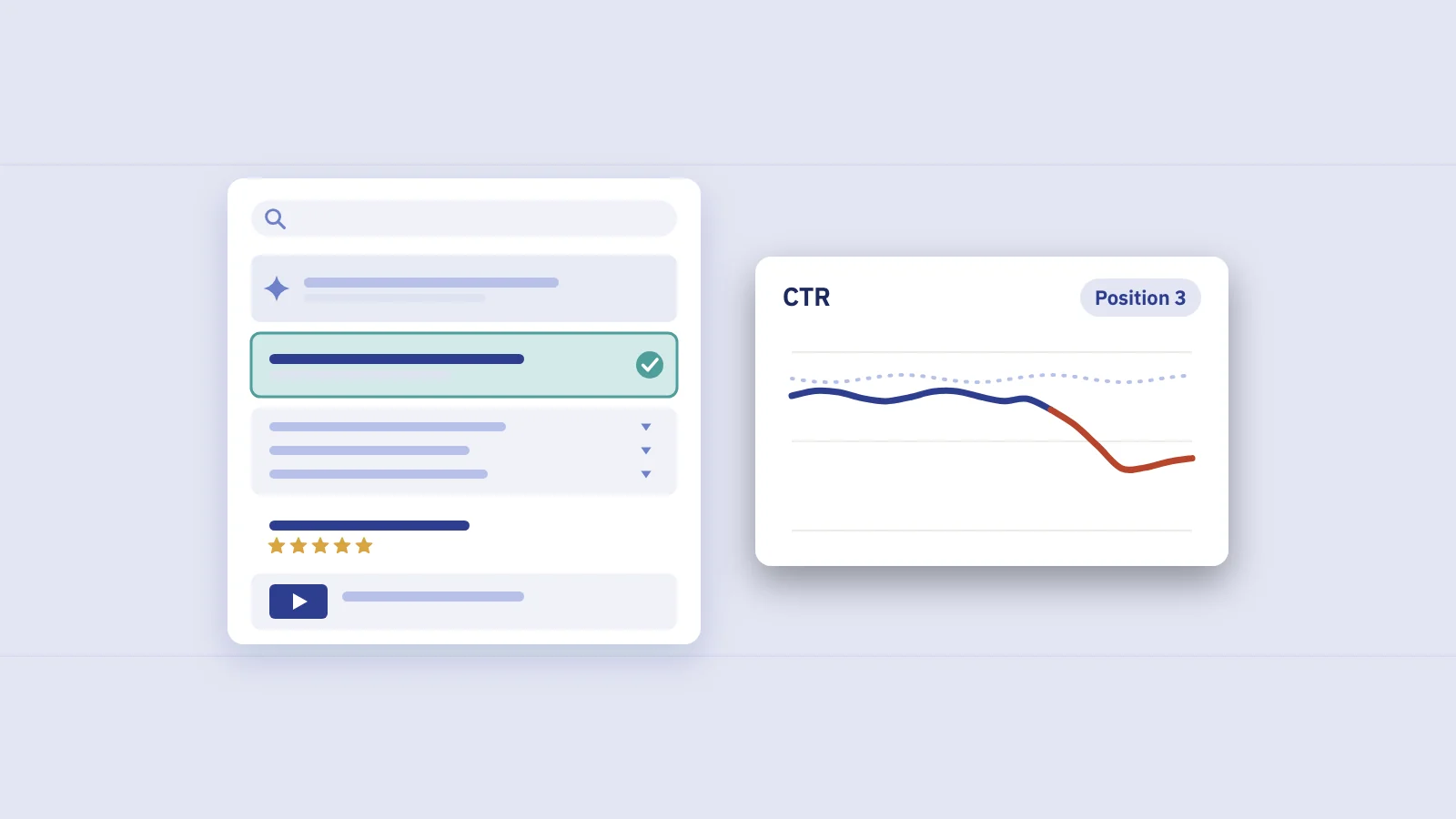
- Check CTR at stable positions. Filter to one page, open the Queries tab, and find queries whose position held while CTR fell. Search Console can't confirm an AI Overview caused it; search the query yourself to see what's above you.
- Read conversions, not only clicks. Google suggests also tracking conversions and time on site in a tool such as Google Analytics, and says it has seen higher-quality clicks from results pages with AI Overviews. Judge AI exposure by what the visits are worth to you.
- Annotate changes. When you rewrite a page or change a preview control, note the date so the next comparison has context.
Our zero-click searches guide shows how to build a CTR-by-position baseline, and the AI search visibility guide turns these numbers into a monthly scorecard.
Tracking AI search impact in Serplyze
Serplyze's AI search impact screen works from the same Search Console data. It shows the share and 16-month trend of long and question-style queries, the kind AI answers tend to cover, along with the top AI-style queries and their landing pages. It also lists top-3 queries that lost click-through while keeping their position, compared with the previous period or the same period last year.
Every figure is labelled as measured or estimated. Serplyze doesn't scrape results pages, so it doesn't claim to know which queries showed an AI Overview. Notes let you record the date of a rewrite, so later comparisons have context.
Frequently asked questions
How do I rank in Google AI Overviews?
Make sure the page is indexed and eligible for a snippet, then follow normal SEO best practices: helpful, original content, crawlable text, good page experience and internal links. Google says there are no additional requirements or special optimizations for AI Overviews.
What is the best schema for AI Overviews?
Google says no special schema.org structured data is needed. Use the markup that fits your content for rich results, keep it consistent with the visible page and validate it.
Do I need an llms.txt file for Google AI Overviews?
No. Google says you don't need to create new machine-readable files, AI text files or markup to appear in AI features.
Can I see AI Overview clicks in Search Console?
Not separately. Clicks and impressions from AI Overviews and AI Mode are included in the Web search type of the Performance report. The Generative AI performance report shows AI impressions by page, but no clicks or queries.
How do I stop Google from using my content in AI Overviews?
Use nosnippet, data-nosnippet or max-snippet on the page, or the Search generative AI control in Search Console settings to exclude the whole site. noindex removes the page from Search entirely.
Does AI-generated content get cited in AI Overviews?
Google doesn't forbid AI-assisted content, but mass-producing pages without adding value may violate its scaled content abuse policy. It asks you to fact-check AI output before publishing.
Key takeaways
- Google's only requirement for AI Overviews and AI Mode is that a page is indexed and eligible for a snippet; there are no special optimizations, AI text files or schema.
- Unique, non-commodity content that answers follow-up questions, in crawlable text on a usable page, matches Google's published guidance.
- Structured data still matters for rich results and must match visible content, but no type is needed for AI features.
nosnippet,data-nosnippet,max-snippet,noindexand the Search generative AI control in Search Console govern what AI features can show.- Measure with the Generative AI performance report for impressions, the Web Performance report for clicks, and conversions in your analytics.
Serplyze shows how much of your traffic comes from the long, question-style queries AI answers cover, and which top queries lost clicks at a stable position, from your own Search Console data. Start free and see where AI Overviews touch your traffic.