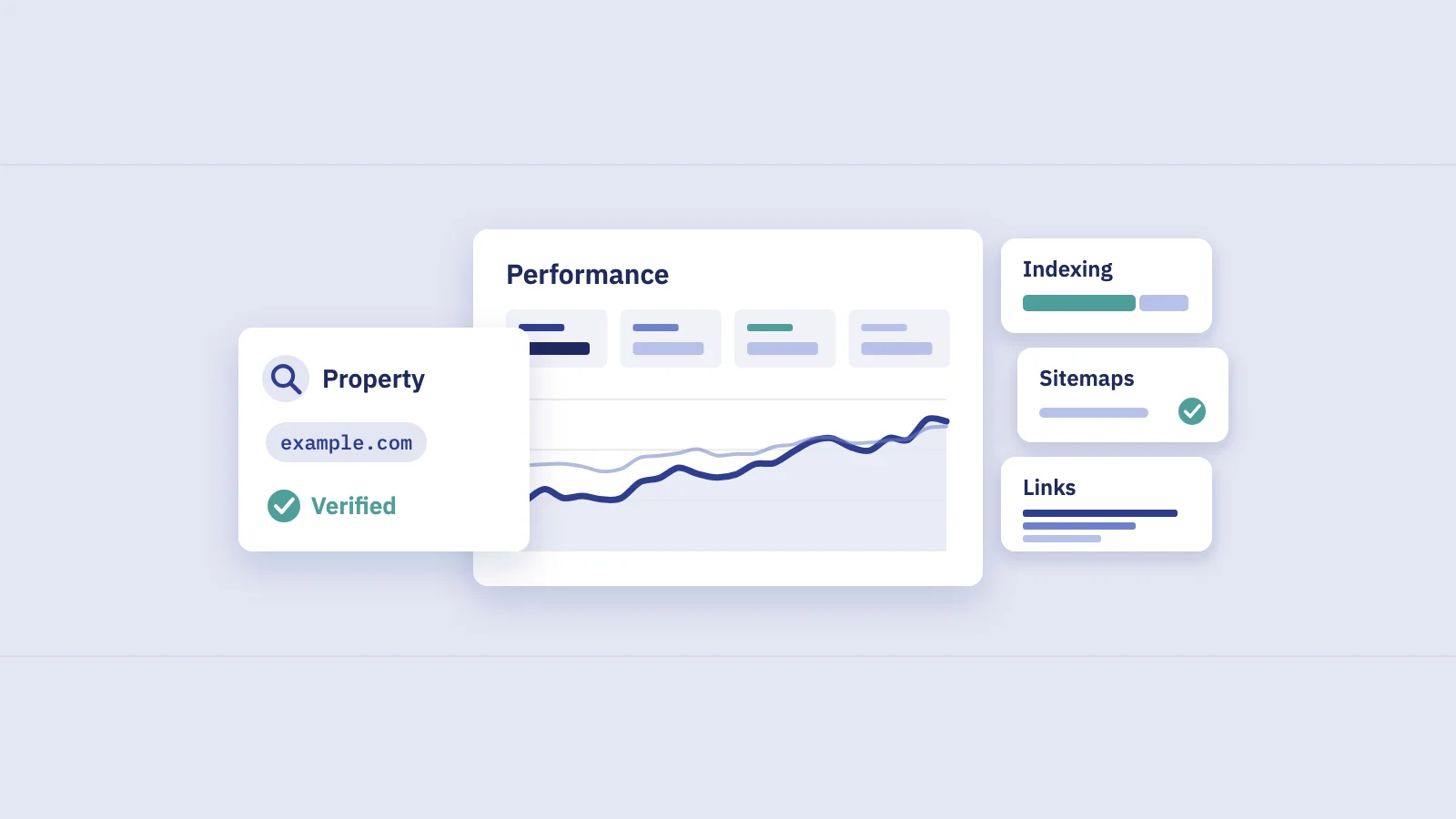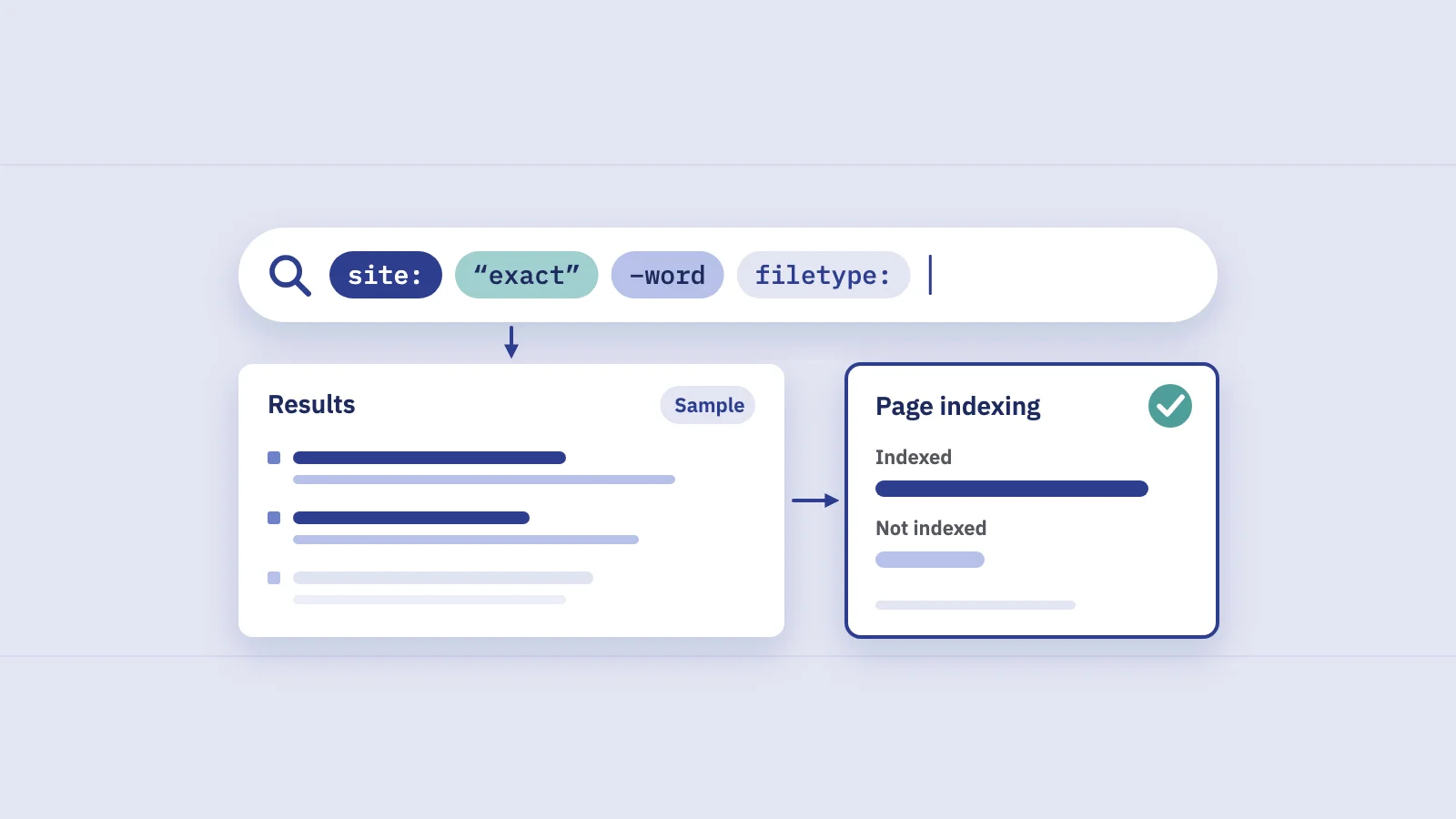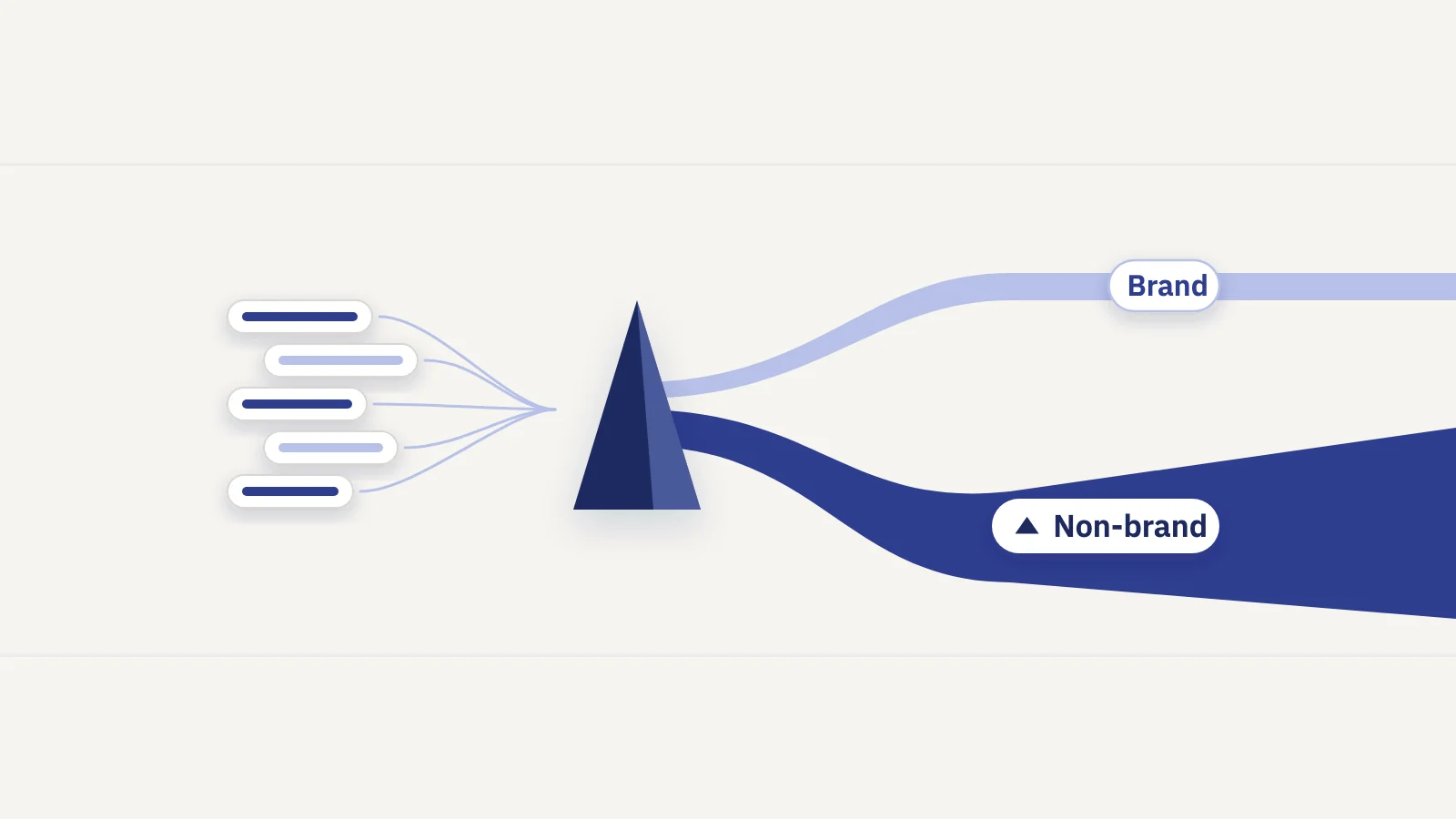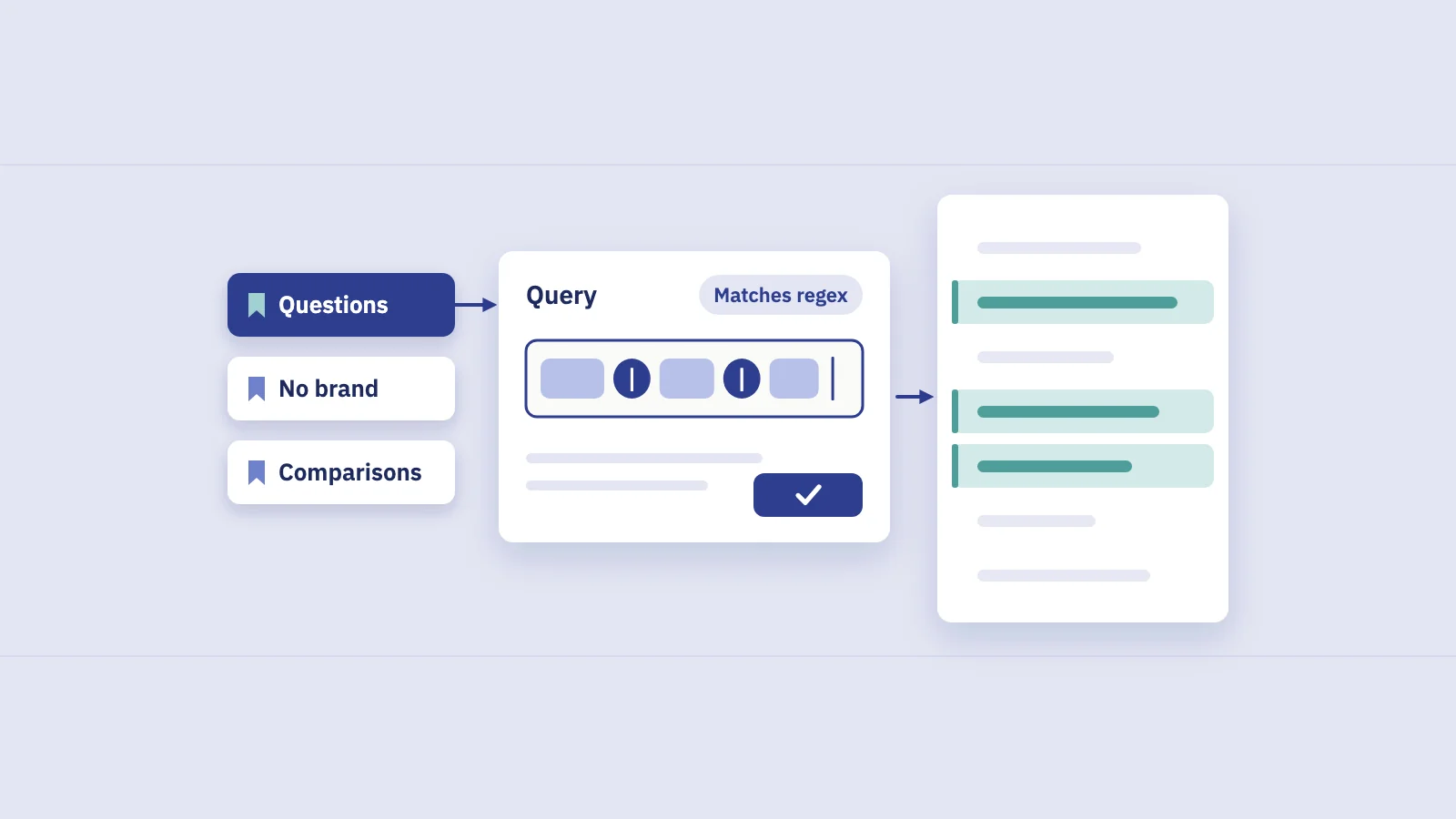
Search Console's Query and Page filters accept regular expressions, which turns one long list of queries into questions, comparisons, price searches or a single site section in a few keystrokes. Here is how the filter behaves, and 15 patterns worth saving.
How the regex filter works
In Performance > Search results, click + Add filter, choose Query or Page, then pick Custom (regex) from the dropdown. A second dropdown offers Matches regex and Doesn't match regex. Type the pattern and click Apply. The chart, the totals and every tab below now follow the filter.
Google's filtering documentation spells out the rules:
- The dialect is RE2. It is Google's regex engine, built to run in linear time. The RE2 syntax reference lists everything it supports.
- Matching is partial. A pattern can match anywhere in the query or URL.
shoesmatches "running shoes for women". Anchor it with^(start) or$(end) when position matters. - Matching is not case-sensitive by default. To make it case-sensitive, start the pattern with
(?-i). That matters for URLs more than for queries. Some older guides say the opposite and recommend(?i); it does no harm, but the current help page says it isn't needed. - The Page filter sees the full URL, protocol and host included:
https://www.example.com/blog/post. A pattern starting with^/blogfinds nothing; use/blog/or^https://www\.example\.com/blog/. - "Doesn't match regex" is your exclusion. RE2 has no lookahead, so there is no
^(?!.*brand)trick. The negative option, added in June 2021, does the same job. - Length. The help page doesn't give a maximum. The Search Analytics API documents 4,096 characters for a filter expression, which is plenty for any sane pattern.
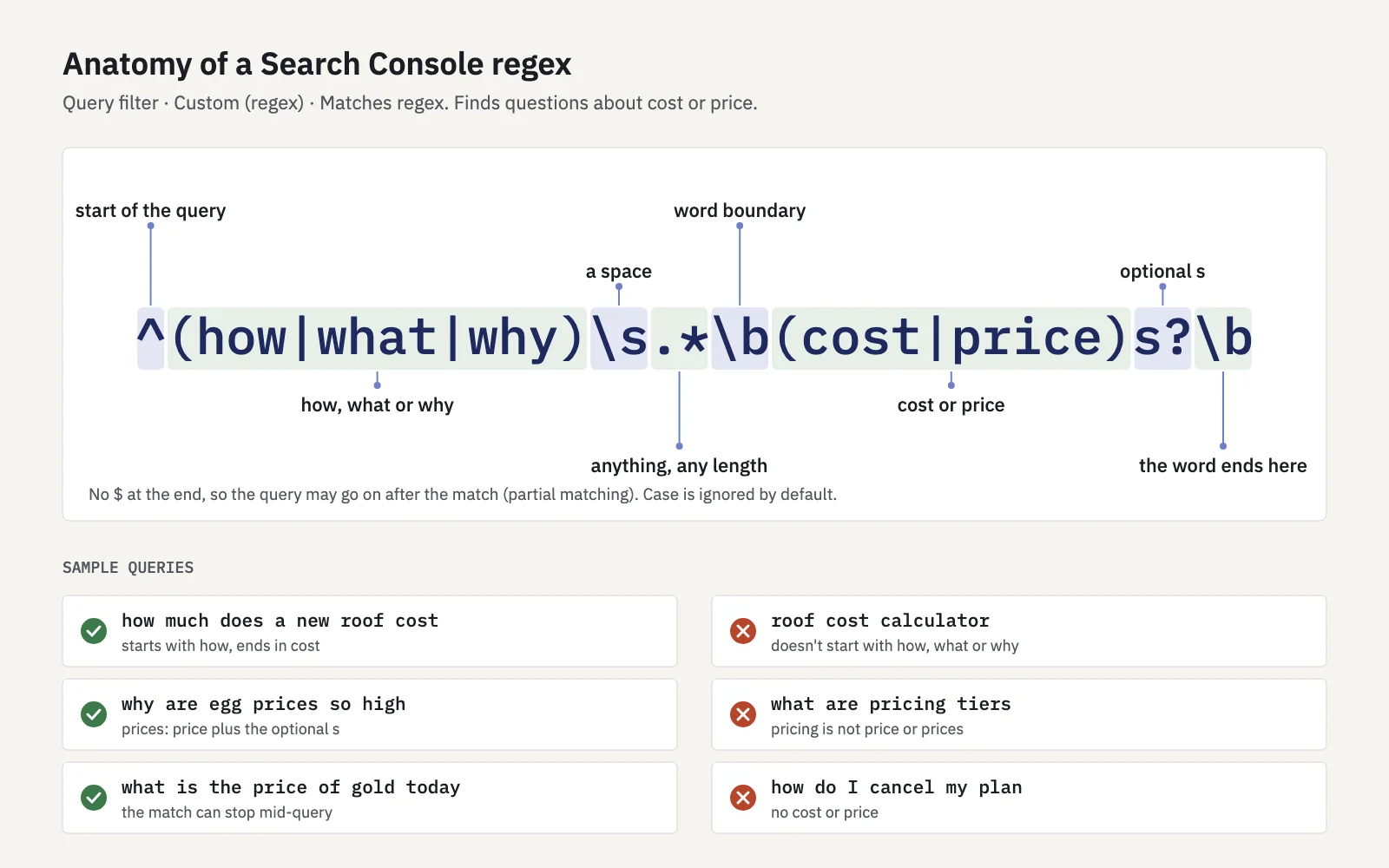
One thing a filter costs you: queries Search Console anonymizes for privacy are dropped from the totals as soon as you filter by query. A Query filter that "matches" and its "doesn't match" twin won't add up to the unfiltered total. Anonymized queries explains the gap.
Five pieces of syntax cover most filters
You don't need much RE2 to be productive. These five do most of the work:
| Syntax | Meaning | Example | Matches |
|---|---|---|---|
a|b |
Either side | vs|versus |
"notion vs obsidian" |
^ and $ |
Start and end of the text | ^how |
"how to…", not "know how" |
\b |
Word boundary | \bcost\b |
"roof cost", not "costume" |
?, +, {n} |
Optional, one or more, exactly n | prices? |
"price" and "prices" |
[...] and . |
One character from a set, any character | 20[0-9]{2} |
"2026" |
Escape characters that have a meaning of their own with a backslash when you want them literally: \. for a dot, \? for a question mark in a URL.
15 regex filters worth saving
Each pattern below was tested against sample queries and URLs with an RE2 implementation and with Python's re module. All of them avoid lookarounds and back-references, so they run as written in Search Console.
| # | Filter | Pattern | Finds | Watch out for |
|---|---|---|---|---|
| 1 | Query, matches | ^(who|what|when|where|why|how|which|can|does|is|are|should)\b |
Questions | Questions phrased later in the query ("tap repair how to") slip through |
| 2 | Query, matches | (\S+ ){5}\S+ |
Long-tail queries of 6+ words | Change {5} to tune the length; it counts words, not characters |
| 3 | Query, doesn't match | north ?wind|nortwind|northwnd |
Everything except your brand (example brand: Northwind) | Add misspellings and product names; check the result for leftovers |
| 4 | Query, matches | \b(vs|versus|alternatives?|compare|comparison)\b |
Comparisons and alternatives | "or" comparisons ("notion or obsidian") are too noisy to include |
| 5 | Query, matches | \b(prices?|pricing|costs?|cheap(est)?|how much|fees?)\b |
Price and cost searches | Without \b, "costume" and "priceless" sneak in |
| 6 | Query, matches | near me|nearby|open now|\b(in|near) (leeds|york|hull)\b |
Local intent | Replace the cities with yours; a city alone also catches non-local queries |
| 7 | Query, matches | \b20[0-9]{2}\b |
Queries with a year | Also catches model numbers and room numbers like "2050" |
| 8 | Query, matches | ac+om+odation |
A word and its misspellings | Includes the correct spelling; pair it with an exact filter to isolate the errors |
| 9 | Query, matches | \b[a-z]{1,3}-?[0-9]{3,}[a-z0-9]*\b |
Product codes and model numbers | Adjust to your SKU format; generic codes like "mp300" overlap with ordinary words |
| 10 | Page, matches | /(blog|guides)/[^/]+/?$ |
Articles one level deep in two folders | Skips the folder's index page and pagination like /blog/page/2/ |
| 11 | Page, matches | [?&](utm_[a-z]+|sort|sessionid|ref)= |
URLs with tracking or sorting parameters | Use \? alone to see every URL with a query string |
| 12 | Query, matches | \b(how to|guide|tutorial|step by step|examples?|templates?)\b |
How-to and resource intent | "guide" won't match "guidelines" because of \b; add it if you want it |
| 13 | Query, matches | \b(buy|order|for sale|deals?|coupon|discount|promo code)\b |
Buying intent | "order" also appears in informational queries ("order of operations") |
| 14 | Query, matches | \b(not working|error|fix|broken|problems?|won'?t|can'?t)\b |
Problems and troubleshooting | Good for support content; spot-check for product names containing "fix" |
| 15 | Page, matches | (?-i)[A-Z] |
URLs with capital letters | Needs (?-i); without it, every URL matches |
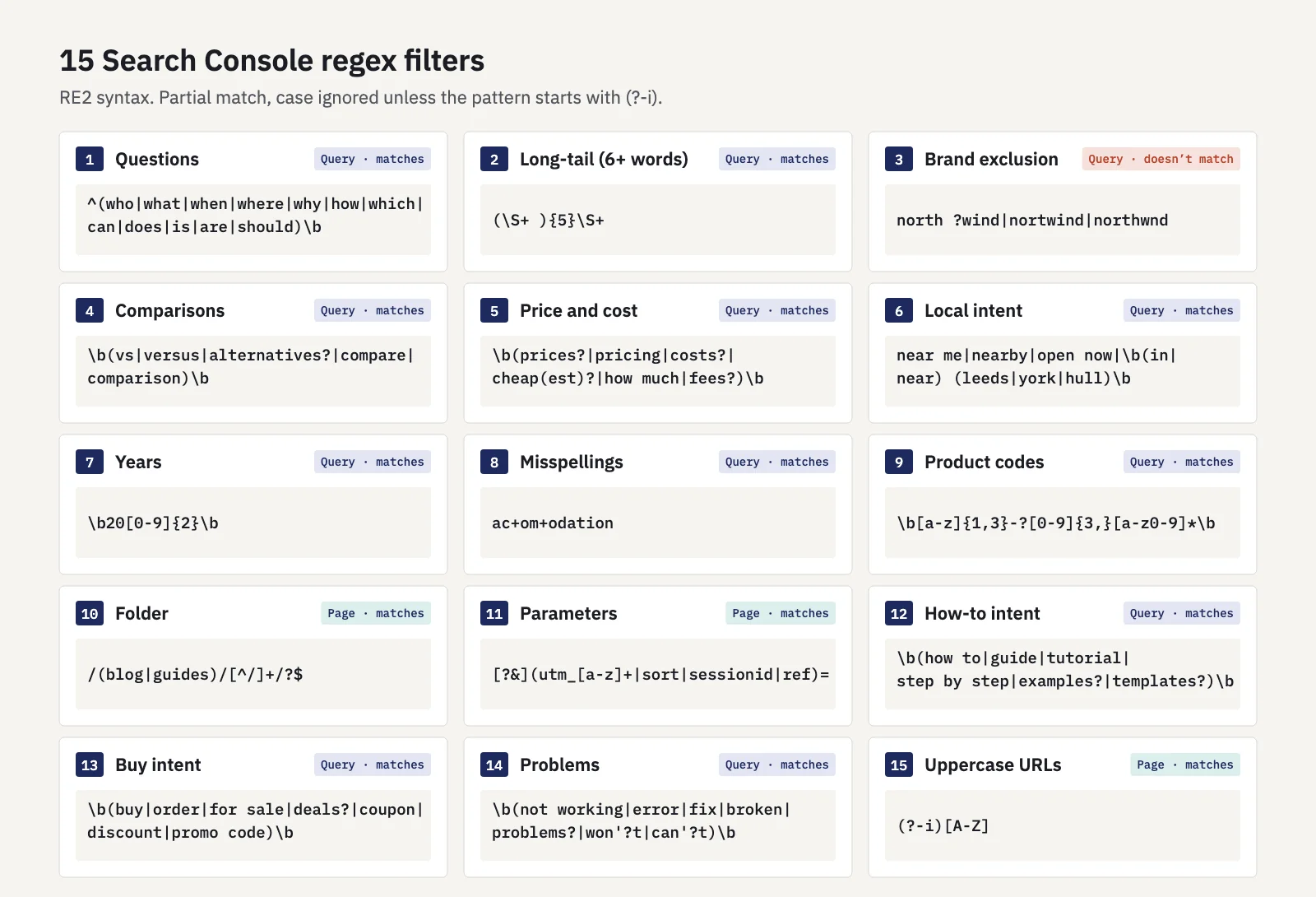
A few notes on the less obvious ones:
Long-tail by word count (2). (\S+ ){5}\S+ means "five words each followed by a space, then a sixth word". Because matching is partial, any query with six or more words qualifies. For the opposite, short head terms of one or two words, use ^\S+( \S+)?$.
Brand exclusion (3). This is the most useful saved filter in Search Console. Google itself suggests listing brand variants and misspellings joined with |. If your property has Search Console's branded queries filter, compare its result with your regex; our post on branded vs non-branded traffic covers when each works better.
Misspellings (8). c+ means "one or more c", so ac+om+odation matches "accomodation", "acommodation" and the correct "accommodation". The same trick works for brand names people double or drop letters in.
Uppercase URLs (15). The only pattern here that needs (?-i). Mixed-case URLs often duplicate their lowercase twins; this filter lists the ones Google actually shows.
Build and save a filter, step by step
- Write the pattern against real examples. Collect five queries it should catch and five it shouldn't, from your own Queries tab.
- Test it outside Search Console first. An RE2-based tester or a few lines of code is fastest. A pattern that is wrong in a subtle way doesn't fail loudly in a report; it just returns the wrong rows.
- Apply it in Performance > Search results. + Add filter > Query (or Page) > Custom (regex) > Matches regex, paste, Apply.
- Read the Queries tab, not just the chart. Scan the top rows for false hits and the "doesn't match" version for misses, then tighten the pattern.
- Save it. Search Console has no library of saved filters. Keep your patterns in a shared document with a one-line description each, so you can paste them again and the whole team uses the same definitions.
Keep one canonical version of each pattern, especially the brand exclusion. Reports built on slightly different brand patterns disagree, and nobody can tell why.
RE2 vs other regex flavors
Most guides test patterns in tools built on JavaScript, PCRE or Python. Those engines accept things RE2 doesn't, and a few things behave differently:
- No lookahead, lookbehind or back-references.
(?!…),(?<=…)and\1are syntax errors in RE2. Use Doesn't match regex for exclusions and alternatives instead of back-references. - Word boundaries are ASCII-only. RE2's
\btreats letters like é, ç or ü as non-word characters, so\bcafé\bdoesn't match "café paris" in RE2, while Python'srematches it. On non-English sites, drop the trailing\bafter accented letters or spell out the edge with a character class. \dis ASCII digits. Python's\dalso matches digits from other scripts; RE2's doesn't.- Flags. RE2 accepts
(?-i)at the start of a pattern to switch case-insensitivity off. Python only accepts flag changes scoped to a group, such as(?-i:...), so strip(?-i)when you test in Python.
When we checked the 15 patterns, the RE2 and Python results agreed on every sample, because none of the samples relied on accented letters at a word boundary.
Regex in Serplyze
Serplyze reads the same Search Console data and uses the same dialect. Its regex options run on RE2, case-insensitive like Search Console, so a pattern you've tested in one works in the other:
- Table filters on screens such as Traffic and Content decay have "matches regex" and "does not match regex" for text columns, alongside number filters such as position or clicks.
- Rule-based keyword groups match on query text or the keyword's ranking URL with a regex, so a group like "all comparison queries" fills and updates itself. See content groups.
- Page groups match regex rules against the URL path rather than the full URL, so
^/blog/works there. - Brand terms accept regexes, and the brand vs non-brand split is fetched with Search Console's own regex filters.
Serplyze caps patterns at 200 characters and rejects ones with nested repeats such as (a+)+. Pattern 2 above passes; a looser version like (\S+ )+ would not. Grouping queries by intent with saved rules is the core of keyword clustering.
Key takeaways
- Search Console's Custom (regex) filter uses RE2, matches partially and ignores case unless you start with
(?-i). - The Page filter matches the full URL, protocol and host included.
- Use "Doesn't match regex" for exclusions; RE2 has no lookarounds or back-references.
- Save a small library: questions, long-tail, brand exclusion, comparisons, price, local, years, misspellings, product codes, folders, parameters, how-to, buying intent, problems and uppercase URLs.
- Test patterns against real examples before trusting the numbers, and remember that query filters drop anonymized queries from the totals.
Serplyze tracks your keywords from your own Search Console data and lets you reuse the same RE2 patterns in filters, keyword groups and page groups. Start free and turn your saved filters into groups that update themselves.