The easiest keywords to rank for are usually ones you already rank for, just not high enough. This guide shows how to tell a winnable query from a hard one using your own Search Console data and a look at the results page, and how to rank the candidates by the clicks a move up would actually bring.
Why your own data beats a difficulty score
Third-party keyword difficulty scores are typically built from a few inputs, mostly how many links point at the pages in the top 10, and how strong those domains are. The score is the same for every site that looks it up, whether you have a hundred relevant pages on the topic or none.
That leaves out the two things that decide whether you can win a query:
- How Google already sees your site for it. If your page sits at position 12 with steady impressions, Google has already judged it relevant. A query with a "low" score that you've never appeared for is a bigger gamble than a "medium" one where you're on page two.
- What actually ranks. A link-based score can't tell a strong, dedicated page from a broad page that ranks on domain strength alone, or from a forum thread that ranks because nothing better exists.
Your Search Console data answers the first question with measurements, not estimates. Ten minutes on the results page answers the second. Together they make a better way to find low competition keywords than any single number, because they describe the competition for your site, not for an average one.
Four signals that a query is winnable
None of these is proof on its own. A query that shows three or four of them is a strong candidate.
1. You already rank between 8 and 30
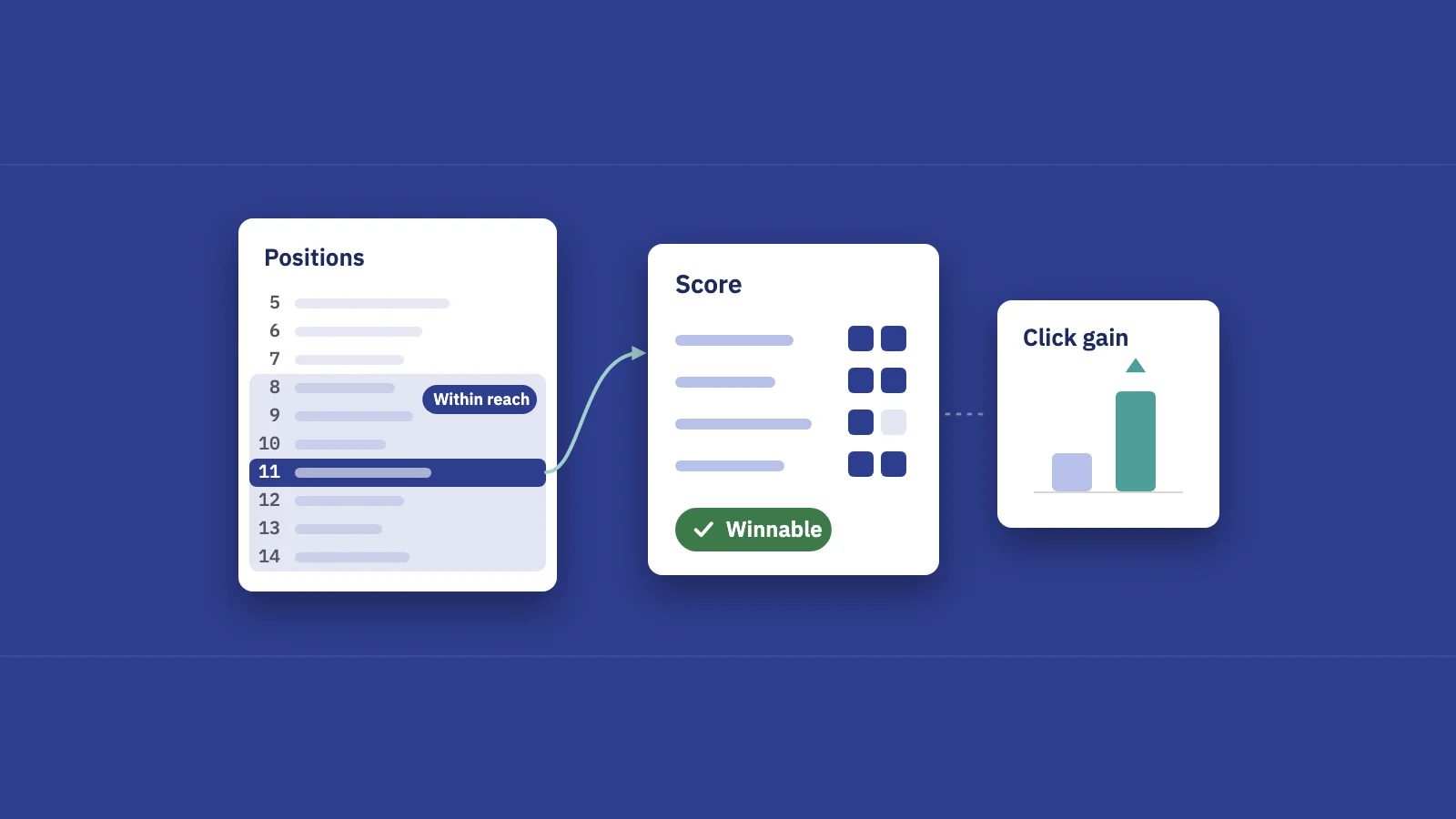
This is the most important signal, and it comes straight from your data. A query where your average position is 8 to 30 has three things going for it: Google considers your page relevant, there's measured demand (you're getting impressions), and you're not yet collecting the clicks.
The range has reasons at both ends. Above 8, you're already on page one and the work is usually the snippet, not the ranking. Beyond 30, the evidence gets thin: Google is testing you, not backing you. Between them, a better page often moves you several positions.
Two checks before you count it: make sure one URL holds the ranking (if two of your pages trade places, that's keyword cannibalization, a different fix), and that the impressions are steady rather than a single spike.
2. Weak or generic pages rank above you
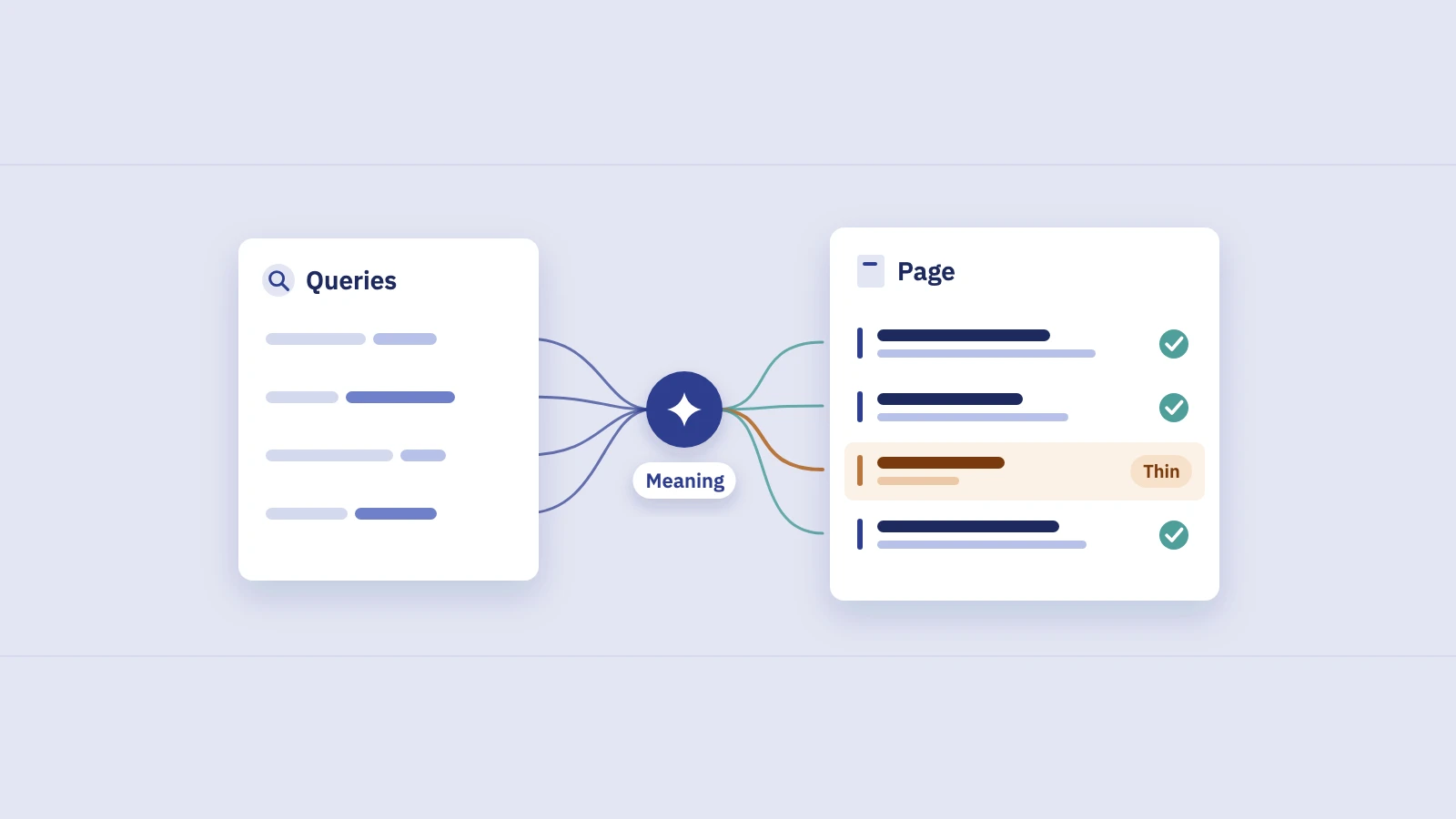
Search the query and read the top 10. You're looking for pages that rank despite not being built for the query:
- A broad category or home page ranking for a specific question.
- An article that mentions the topic in one paragraph.
- Thin pages: short, outdated, or clearly written for a different question.
- Big-brand pages that rank on the domain's strength, not on the page's fit.
When the top results are generic, Google is telling you it hasn't found a page that answers the query exactly. A page that does has a real chance, which is the same logic behind Google's guidance on helpful, people-first content.
3. Forums and user-generated results
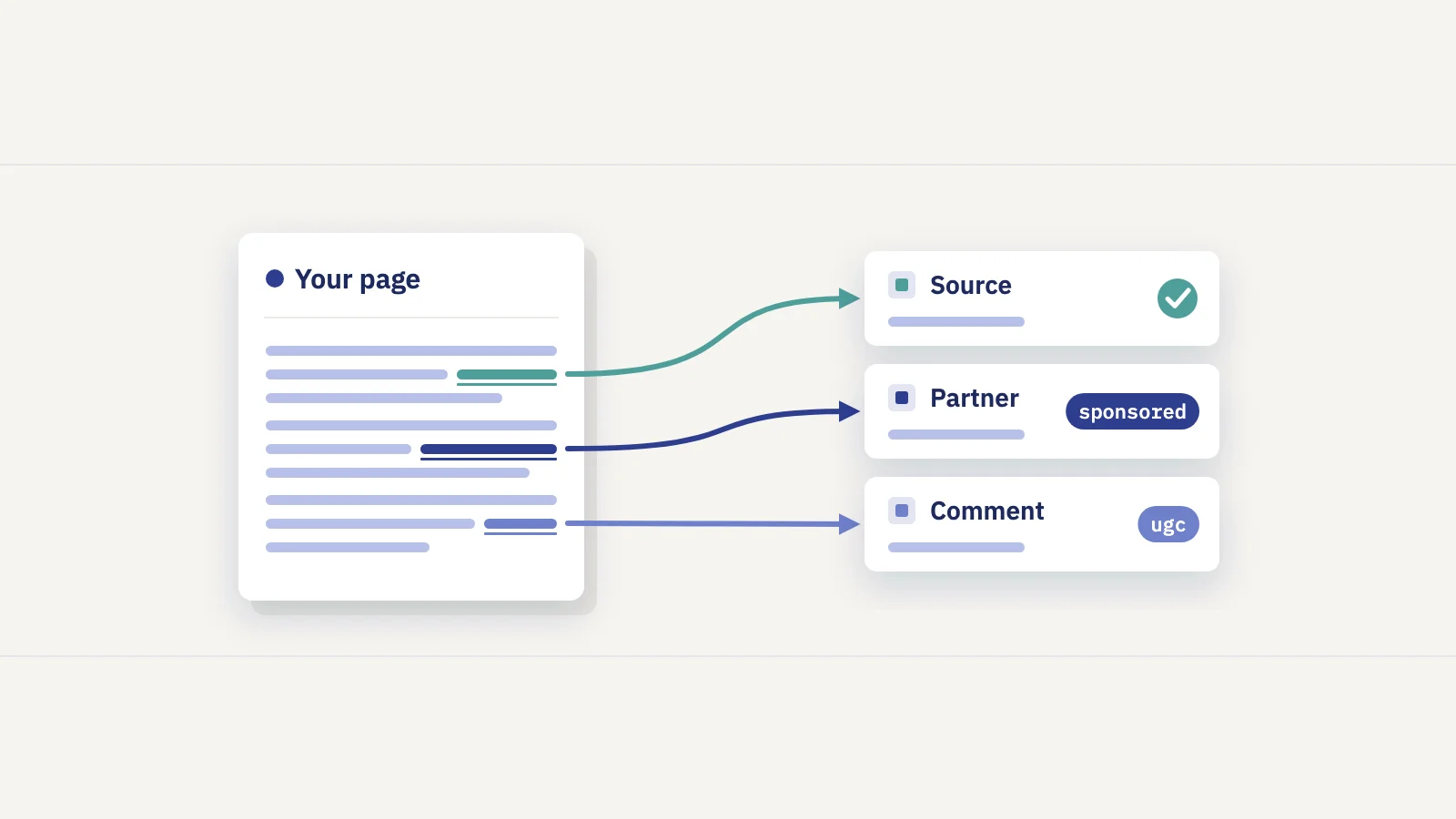
Forum threads, Q&A pages and social posts in the top 10 often mean the same thing: nobody has written a dedicated, good answer, so Google shows the conversation.
Read this signal carefully. Since 2023 Google has deliberately surfaced more first-hand perspectives from forums and social platforms for queries that benefit from people's experiences. If the searcher wants lived experience ("is this worth it", "anyone tried"), a polished article won't simply replace the thread; you need real experience on the page. If the forum result is answering a factual or how-to question, it's usually a gap you can fill.
4. Few SERP features
Every feature above the organic results takes attention and clicks: ads, an AI Overview, a "People also ask" box, video or image results, a local pack. Google's visual elements gallery shows the common ones.
A results page that's mostly plain links means moving up actually pays: position 3 there usually earns more clicks than position 3 under four features. A page crowded with features can still be worth winning, but count on a lower CTR for any position you reach. Zero-click searches covers how that shows up in your data.
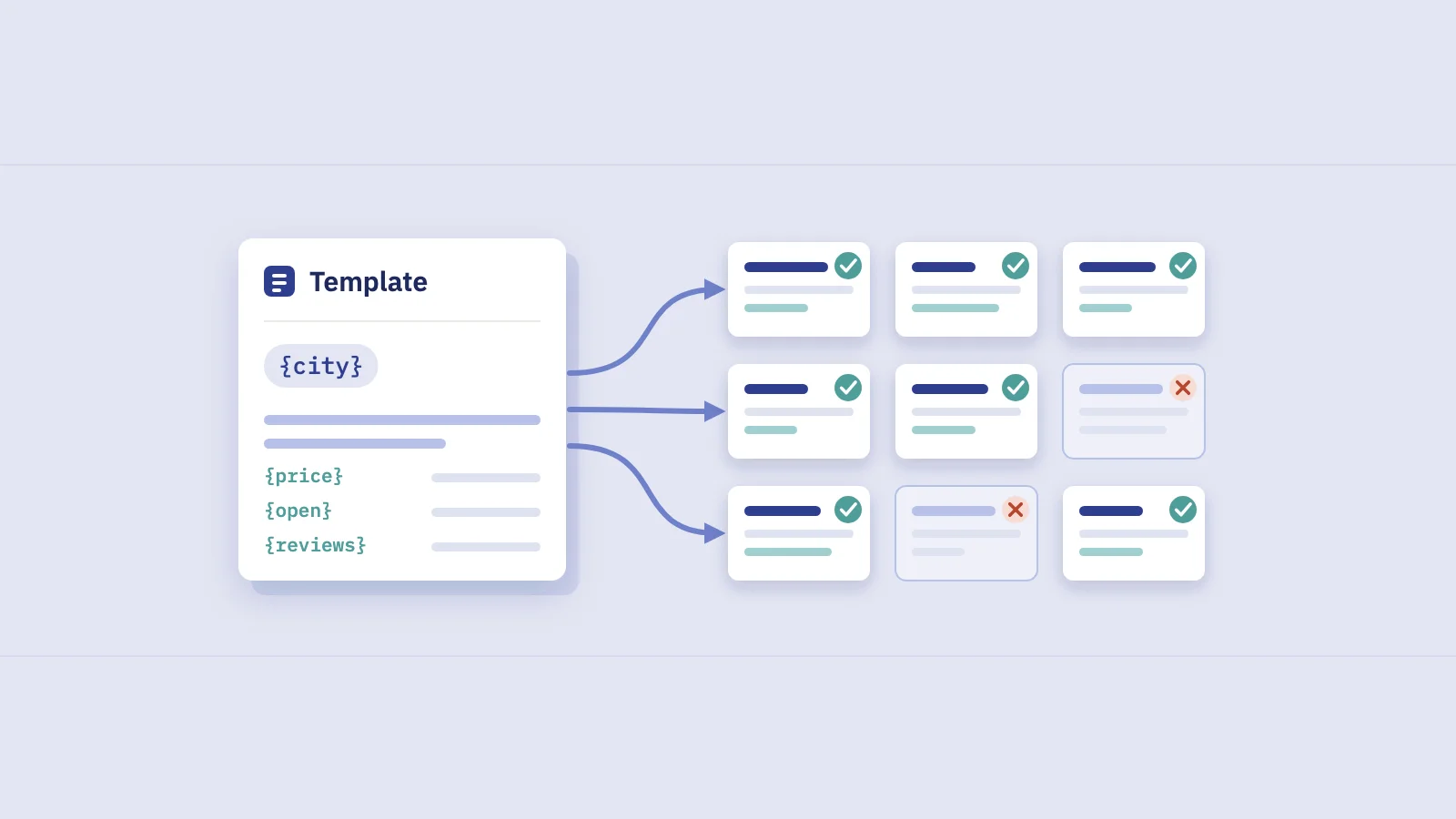
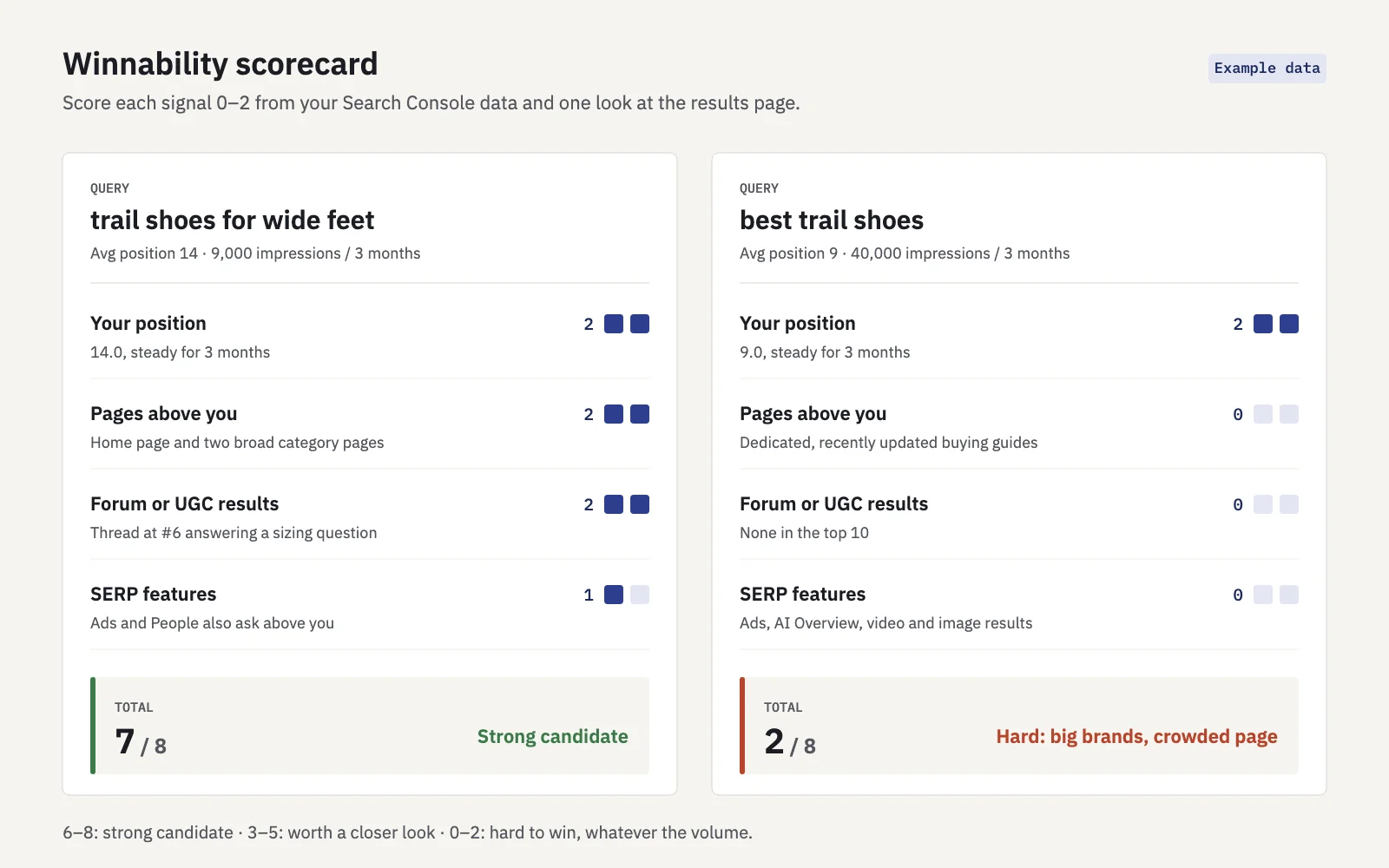 Example. Score each signal 0–2; anything at 6 or more is a strong candidate.
Checking the signals step by step
- Pull candidates from Search Console. In Performance > Search results, set Web and the last 3 months, open the Queries tab and show Impressions, CTR and Position. Export the table and keep the rows with an average position of 8 to 30. The UI and its export stop at 1,000 rows; use the API, Looker Studio or BigQuery on larger sites.
- Remove branded and off-strategy queries. Use a Doesn't match regex query filter for your brand terms, then cut queries you don't want to rank for.
- Set a demand floor. Drop rows with very few impressions over 3 months. The floor depends on your site; the point is to avoid optimizing for noise.
- Check the landing page. Click a query, then open the Pages tab to see which URL Google shows. Note whether it's a dedicated page, a generic one, or two competing pages.
- Read the results page. Search the query in a private window, set to the country you target. Note the page types in the top 10, any forums, and every feature above the first organic result.
- Score it. Give each signal 0, 1 or 2 using the table below, and write down why.
| Signal | 2 points | 1 point | 0 points |
|---|---|---|---|
| Your position | 8–20, steady impressions | 21–30 | Beyond 30, or erratic |
| Pages above you | Several generic or off-intent pages | One or two | All dedicated, strong pages |
| Forum or UGC results | Threads answering a factual question | Threads where experience is the point | None |
| SERP features | Mostly plain links | One feature above you | Ads, AI Overview and several features |
The results-page check is the slow part. Do it for your top 30 or so candidates by impressions, not for every row.
Prioritising by impressions × achievable CTR gain
A winnable query isn't automatically a valuable one. To rank the list, estimate the clicks a realistic move would bring:
Click gain = impressions × (CTR at the target position − current CTR)
Two rules keep the estimate honest:
- Use your own CTR curve. Group your non-branded queries by position and calculate the CTR you get at each. Industry curves vary widely between sites and result types; good CTR benchmarks shows how to build your own.
- Pick a realistic target. From position 14, aim for the top 5, not position 1. Adjust the target CTR down for crowded results pages.
This is the honest version of "high search volume, low competition keywords": volume is the impressions you already get, and competition is the score you gave the results page. Weight the gain by the winnability score, so a big but hard query doesn't automatically top the list. Say you have four candidates, with a 3-month window and a 6% CTR at position 5 on your site:
| Query | Avg pos. | Impressions | Current CTR | Click gain at pos. 5 | Score | Weighted |
|---|---|---|---|---|---|---|
| trail shoes for wide feet | 14 | 9,000 | 0.5% | 495 | 7/8 | 433 |
| best trail shoes | 9 | 40,000 | 1.5% | 1,800 | 2/8 | 450 |
| trail shoes vs hiking boots | 17 | 6,500 | 0.3% | 370 | 6/8 | 278 |
| do trail shoes run small | 22 | 3,000 | 0.1% | 177 | 8/8 | 177 |
The head term has the biggest raw gain but scores 2 out of 8: dedicated pages, strong brands and a crowded results page. The wide-feet query weighs almost the same and is far cheaper to win, so it goes first. The estimate is conservative in one way: on page two you only get impressions from people who scroll, so a query that reaches page one usually gets more impressions than it had.
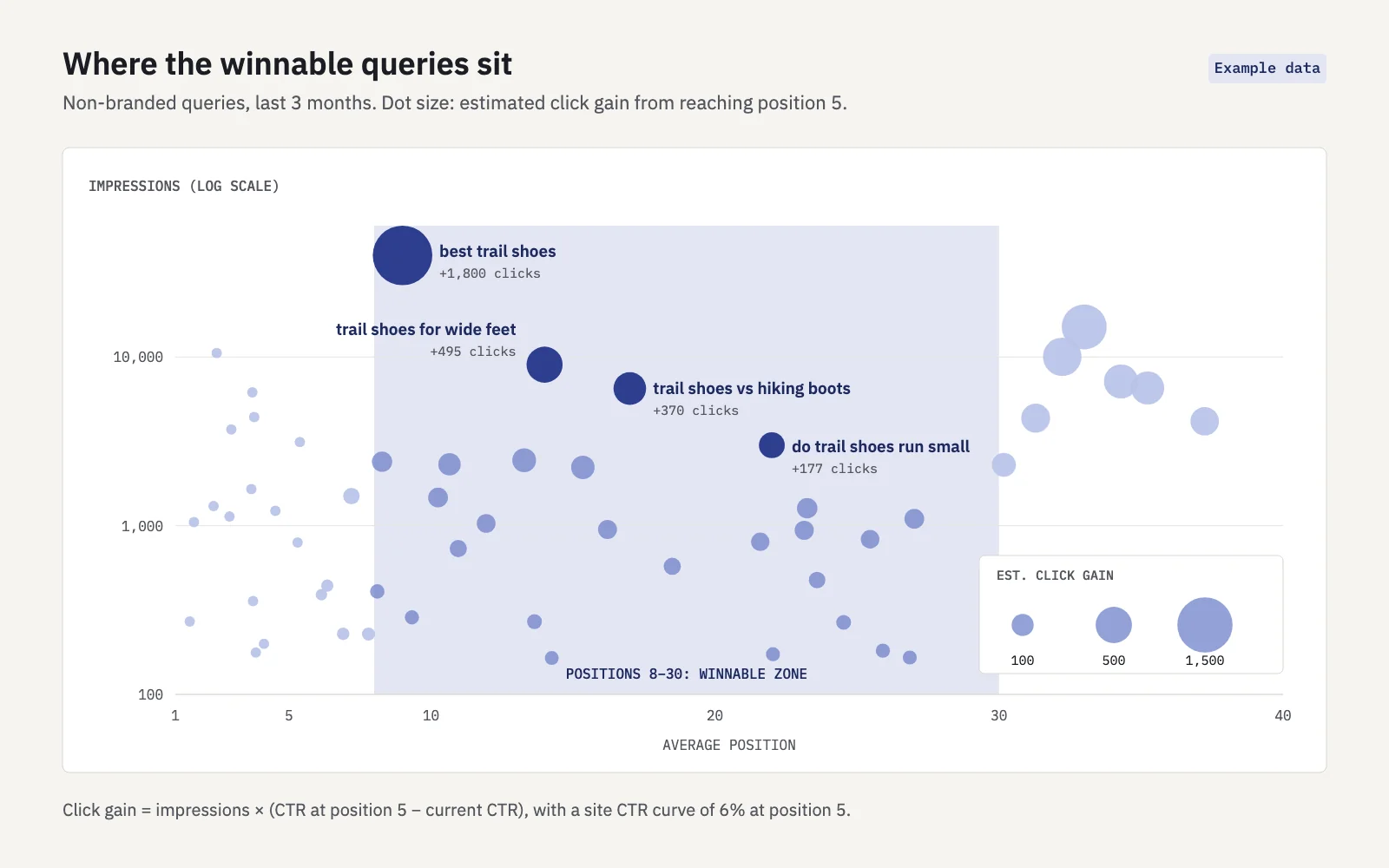 Example data. The best candidates sit in the shaded band with high impressions.
Doing it in Serplyze
Serplyze keeps the first and slowest part of this running. The Traffic screen's Striking distance quick view lists queries, pages or query × page pairs with an average position from 4, 8 or 11 to 20 and a minimum number of impressions you choose (from 10 to 1,000; the default is 4–20 and 50), most impressions first. To cover positions 21 to 30 as well, use the filter bar's position condition instead. From a striking-distance row you can log the content change you make as an action, and see its before/after effect later.
For keywords you track, the Content screen lists Page two findings (average position above 10 and up to 20) with an estimate of clicks at stake, using an expected CTR scaled to how your own keywords are clicked. The results-page check is still yours to do: that's where weak pages, forums and features show up.
If a candidate has no suitable page at all, it's a gap rather than a striking-distance query; content gap analysis covers how to brief those.
Key takeaways
- Difficulty scores are the same for every site; your own position, impressions and CTR show how Google already sees you for a query.
- Four signals mark a winnable query: you rank 8–30, weak or generic pages rank above you, forums answer a factual question, and the results page has few features.
- Check them in order: Search Console first, then the landing page, then a private search in your target country.
- Prioritise by impressions × the CTR gain to a realistic position, using your own CTR curve, then weight by the winnability score.
- Treat forum results with care: when the query is about experience, you need first-hand experience on the page.
Serplyze lists your striking-distance queries from your own Search Console data, estimates the clicks at stake for page-two keywords, and tracks whether your changes moved them. Start free and find the keywords you're closest to winning.