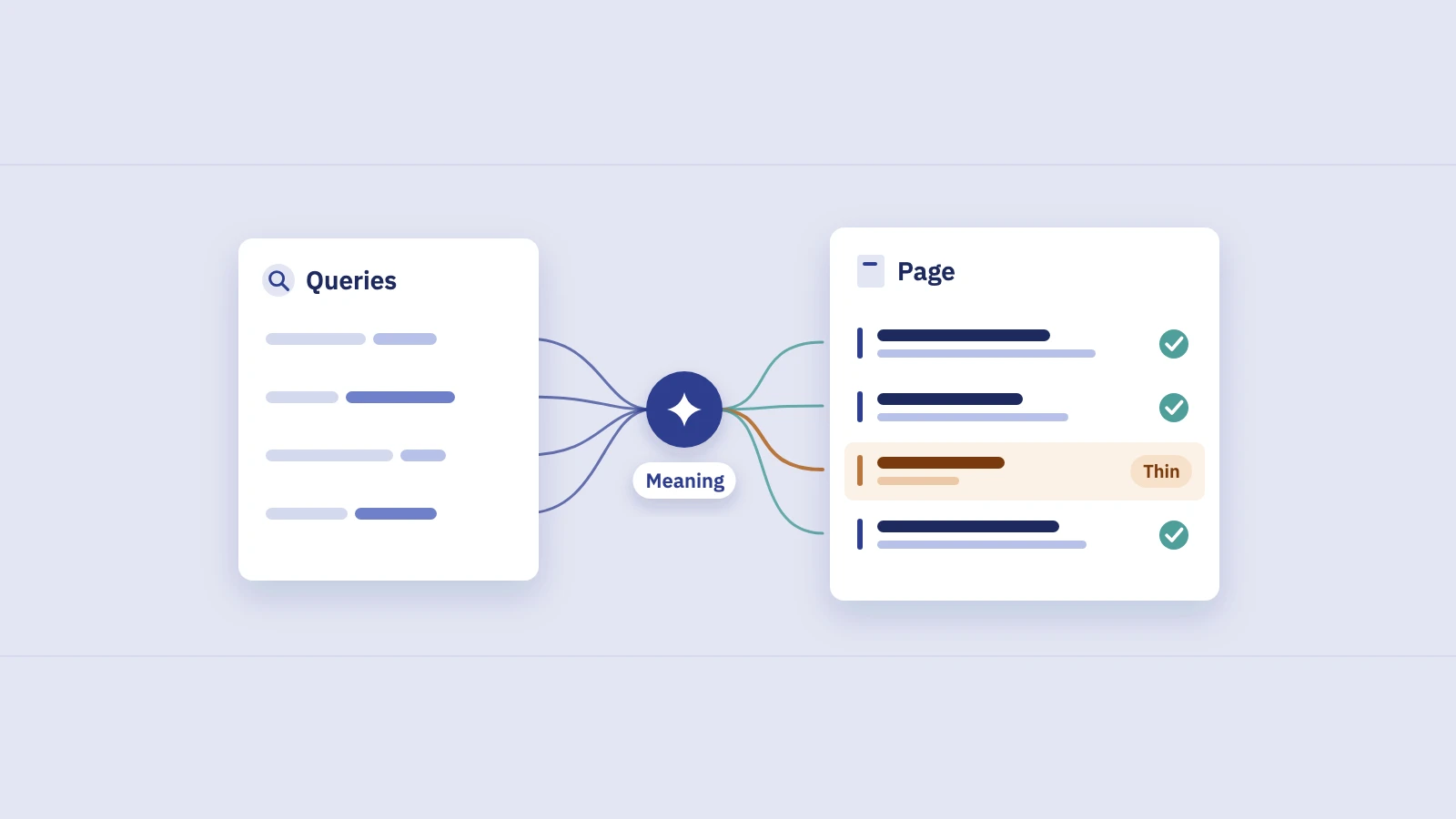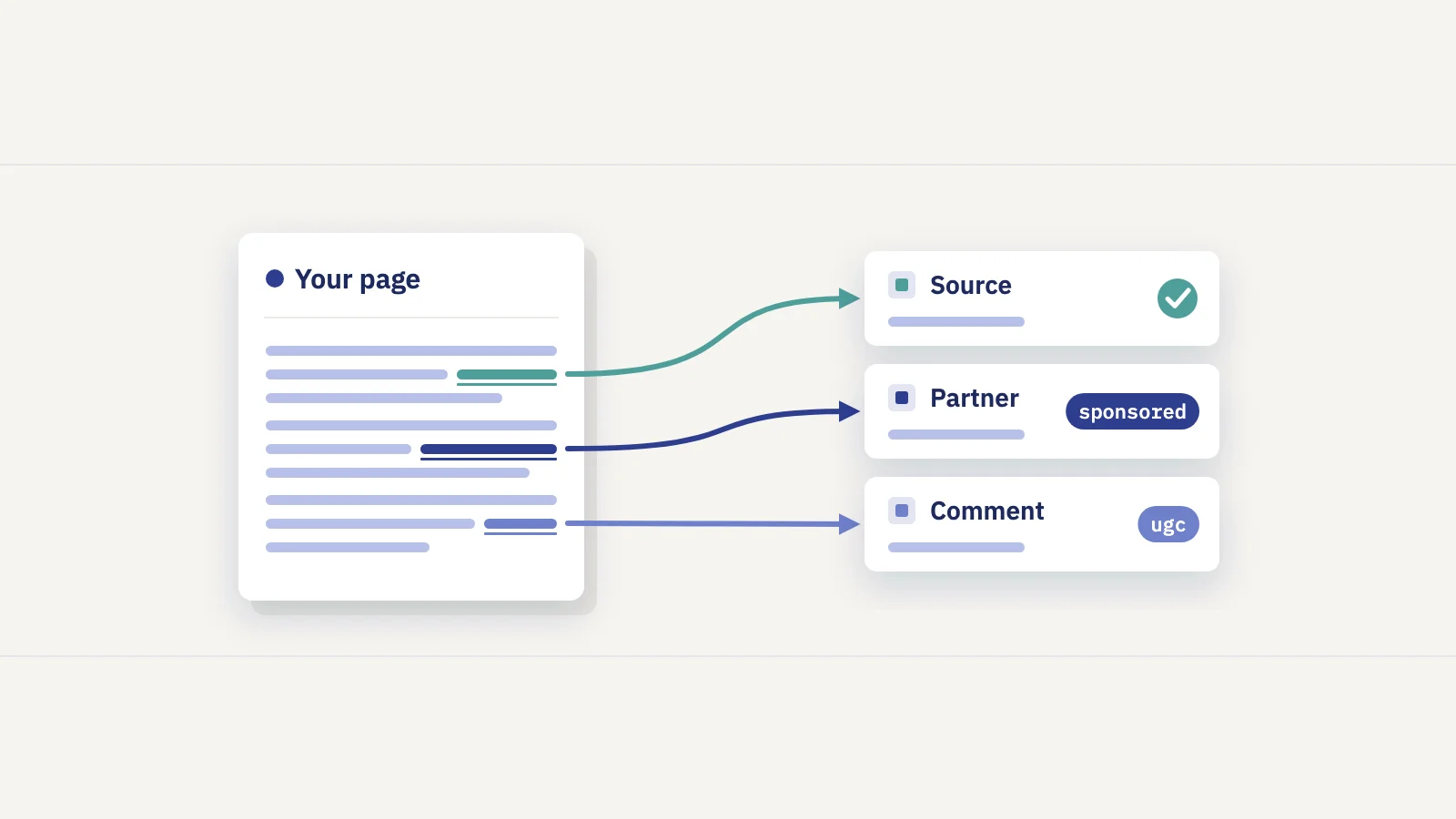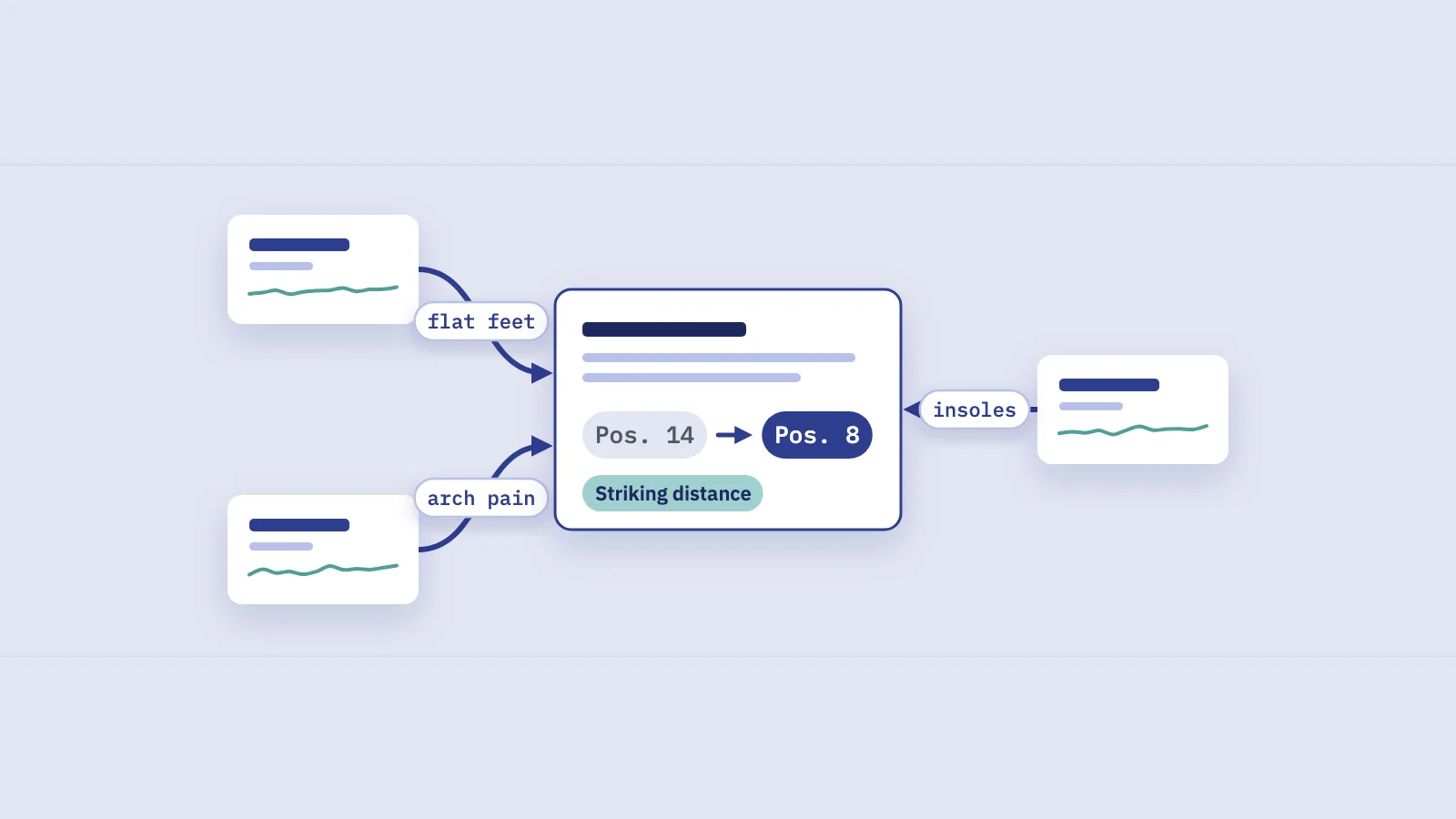
Internal linking works best when you know which pages need links and which pages can give them. Search Console already holds both halves of that answer: the Links report shows how your pages link to each other, and the Performance report shows which pages are close to page one. This guide joins the two into a repeatable internal link audit.
What the Links report shows, and what it doesn't
Open Links in the left menu of Search Console. The report has two halves: external links (other sites linking to you) and internal links (your pages linking to each other). Under Internal links, Top linked pages lists your pages by how many internal links point to them. Click More to see the full table, and click a URL to see which of your pages link to it.
Before you build an audit on it, know its limits. Google's Links report documentation says:
- It's a sample. The report shows a sample of links, not every link on your site. Treat the counts as relative, not exact.
- Tables stop at 1,000 rows. On a large site, pages with few links may not be listed at all.
- URLs are grouped by canonical. Links to a duplicate URL count toward its canonical page.
- No nofollow flag. The report doesn't say whether a link is nofollow.
Google also doesn't say it separates navigation links from links in the body copy. A page in your main menu or footer can show thousands of internal links while no article ever mentions it. Keep that in mind when you read the counts: a high number may just mean "in the template".
Even with those limits, the report answers the question that matters here: which pages get plenty of internal links, and which get almost none.
Three lists to build from Performance data
The Links report tells you about links. The Performance report tells you about results. Put them side by side and three lists fall out.
1. Striking-distance pages with few internal links
These are pages with an average position of roughly 8 to 20 and real impressions: Google already considers them relevant, but they sit at the bottom of page one or on page two. If such a page also has few internal links, it's a strong candidate. More links from related pages help Google find it and understand what it's about, and they send readers to it from places they already visit.
Check position at the query level, not only the page level. A page's average position mixes every query it appears for, so a page at "position 12" may rank 3rd for one query and 40th for twenty others. Our guide to average position in Search Console explains why the page average misleads.
2. High-impression pages that can pass links
The source of a link matters as much as the target. Good sources have three things: they're on a related topic, they're visible in search (lots of impressions, ideally clicks), and they're pages people actually read. A guide that gets 40,000 impressions a month and covers a related subject is a better place for a link than an old news post nobody opens.
Impressions are not a measure of link value; Google doesn't publish one. They're a practical proxy: these pages are visible, are read, and are about topics Google already connects with your site.
3. Orphan-ish pages
Google's own advice is plain: every page you care about should have a link from at least one other page on your site. Search Console doesn't have an "orphan pages" report, but you can get close:
- In Performance, not in Links. Pages that get impressions but don't appear in the internal Top linked pages table. Because the Links report is a sample and capped at 1,000 rows, this is a list to check, not a verdict.
- One or two links. Pages that do appear but with very low counts, often reachable only from a sitemap or a paginated archive.
- In your sitemap, nowhere else. Pages you submitted but that get no impressions at all. Our guide to finding all pages on a website covers how to build that full list.
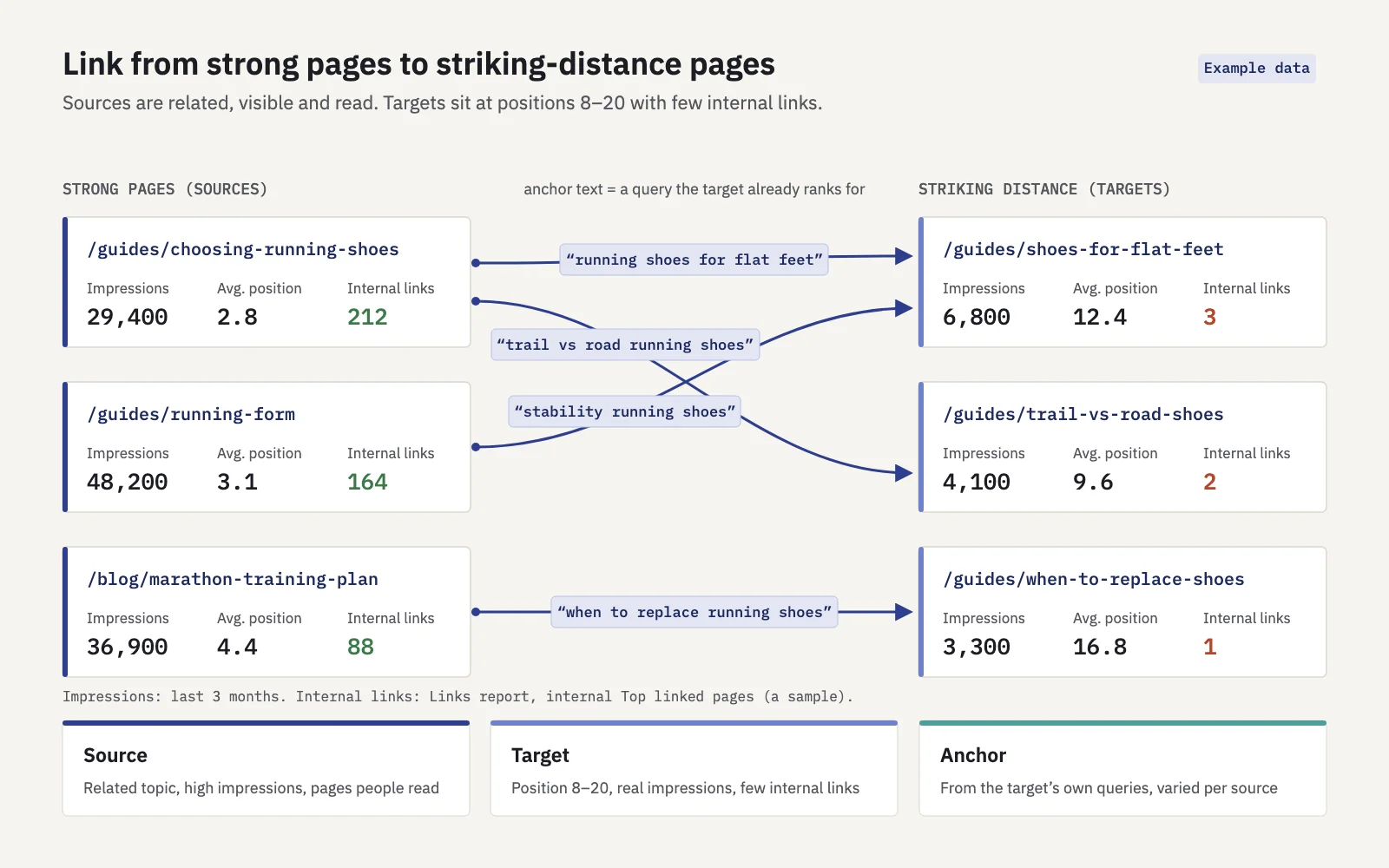
Example data. Link from pages that are visible and on-topic to pages that are close to page one but have few links.
Choosing anchors from the queries a page already ranks for
Anchor text tells readers and Google what the target page is about. Google asks for anchors that are descriptive, reasonably concise and relevant, and it warns that keyword stuffing breaks its spam policies. So the aim isn't one exact-match phrase repeated on every link. It's a few natural anchors drawn from what the page is already found for.
Search Console gives you that list. In Performance > Search results, add a Page filter for the target URL, open the Queries tab and sort by impressions. Then sort the queries into three groups:
| Query type | Example (target: a guide to running shoes for flat feet) | Use as anchor? |
|---|---|---|
| Main topic, high impressions | running shoes for flat feet | Yes: the main anchor, once or twice |
| Close variants | best running shoes for flat feet, stability running shoes | Yes: vary anchors across source pages |
| Long questions | are stability shoes good for flat feet | Rewrite into a natural phrase, or skip |
| Broad terms | running shoes | No: likely belongs to a different page |
| Brand or navigational | [brand] flat feet | No |
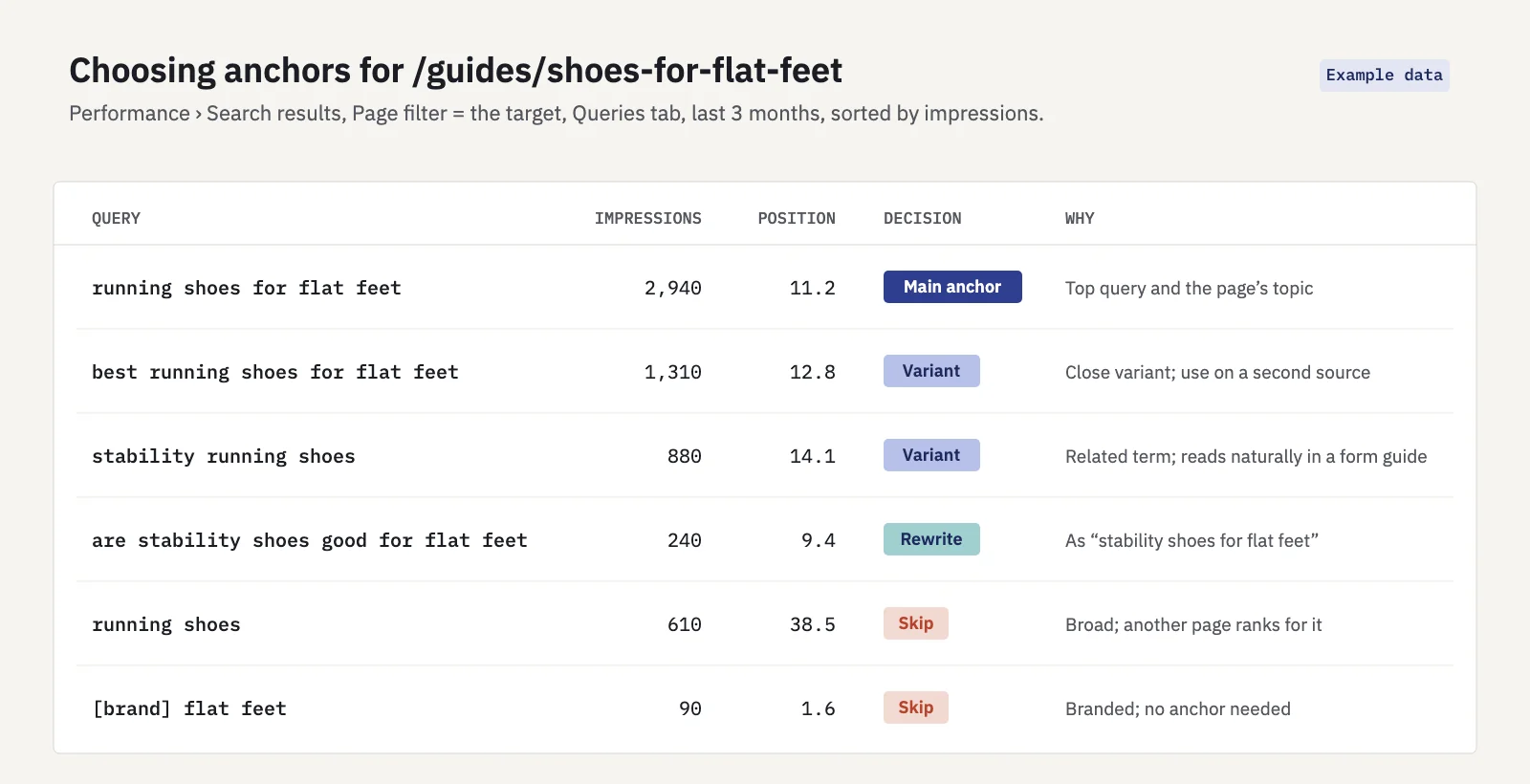
Example data. Pick anchors from the queries the page already earns impressions for.
Two checks before you use an anchor:
- Does another page already rank for it? Search the query in the Queries tab without the Page filter and open the Pages tab. If a different URL gets most of its impressions, linking with that anchor to your target can blur which page should rank. That's how internal links feed keyword cannibalization.
- Does it read naturally? The sentence around the link should make sense without the link. If you have to bend the sentence to fit the anchor, choose a shorter one.
The method, step by step
- Export the Performance data. In Performance > Search results, set the last 3 months and turn on all four metrics. Open the Pages tab and export it. The interface exports up to 1,000 rows; for more, use the Search Console API, Looker Studio or the BigQuery bulk export.
- Export the internal links. In Links, open Top linked pages under Internal links, click More and export the table.
- Join the two by URL. Put both exports in one spreadsheet and match on URL. Normalize first: same protocol, same trailing-slash rule, no parameters. Pages missing from the links export get a blank, which is itself a signal.
- Flag the targets. Filter for average position 8 to 20, impressions above a floor that makes sense for your site (say 200 a quarter), and internal links below the site median. Sort by impressions. Then check each one at query level, as described above.
- Find related sources. For each target, filter Performance by a query that contains its main topic and look at the Pages tab. Pages that also get impressions for that topic, and rank well, are your source candidates. A
site:yourdomain.com topicsearch in Google finds more. - Choose the anchors. Take them from the target's own queries, varied across sources, and skip terms another page owns.
- Add the links in the body copy. Put each link where it helps the reader, in a sentence about that subject. Start with a few links from strong, related pages rather than twenty from weak ones.
- Record the date. Note what you changed and when, with the target URLs. Right-click the Performance chart and choose Add annotation to mark the day in Search Console itself.
If the source pages aren't crawled often, use URL Inspection on each and click Request indexing after you add the links. It only asks Google to recrawl; it doesn't guarantee a ranking change.
Serplyze shortens steps 1 and 4. Its Traffic screen lists every page from Search Console, and the Striking distance quick view on the Pages, Queries and Query × page tabs filters to an average position from 4, 8 or 11 to 20 with an impression floor you choose. Expand a page to see the queries that land on it, which gives you the anchor list in the same place. It doesn't count internal links, so the Links report export is still your source for those.
How to measure the effect
Internal links rarely change rankings overnight. Google has to recrawl the source pages, find the new links and re-assess the target. Give it time, and measure it like any other change:
- Use equal windows. Compare the 28 days before the change with 28 days after it, starting a week after the links went live so the recrawl isn't inside the window. Use whole weeks so weekdays balance.
- Measure the targets, not the site. In Search Console, filter Page to the target URL and use Compare on the Date filter. Watch impressions and the position of the anchor queries you chose, not only clicks.
- Set it against the site trend. If the whole site rose 10% and the target rose 12%, the links did little. Divide the target's change by the site's change to remove seasonality and updates that moved everything.
- Watch the anchor queries one by one. Movement from position 14 to 8 on the main anchor query is the effect you were after, even if clicks only follow later.
- Keep a control group. If you link to ten striking-distance pages, leave five similar ones untouched for the same period. Their movement shows what would have happened anyway.
A before/after comparison shows what happened, not what caused it. Content edits, Google updates and seasonality can all land in the same weeks, so log them too.
In Serplyze, log the change under Actions with the type Internal links and the target pages and keywords. It compares 28 days before the change with 28 days after a 7-day lag, sets the result against the whole site's trend, and marks the action on your charts. Striking-distance rows have a Log action link that opens the form already filled in. Our content decay guide covers the same before/after logic for refreshed pages.
Key takeaways
- The Links report's internal Top linked pages table is a sample capped at 1,000 rows, grouped by canonical URL. Read its counts as relative.
- Join it with Performance data to find striking-distance pages (position 8 to 20) that have few internal links.
- Link from related pages that are visible in search and actually read, not from pages nobody opens.
- Take anchors from the queries the target already ranks for, vary them, and skip terms another page owns.
- Pages with impressions but no internal links listed are orphan candidates to check, not proof.
- Measure with equal windows after a recrawl lag, against the site trend, at the level of the anchor queries.
Serplyze finds your striking-distance pages from your own Search Console data and measures every change you log against the rest of the site. Start free and see which pages are one good link away from page one.