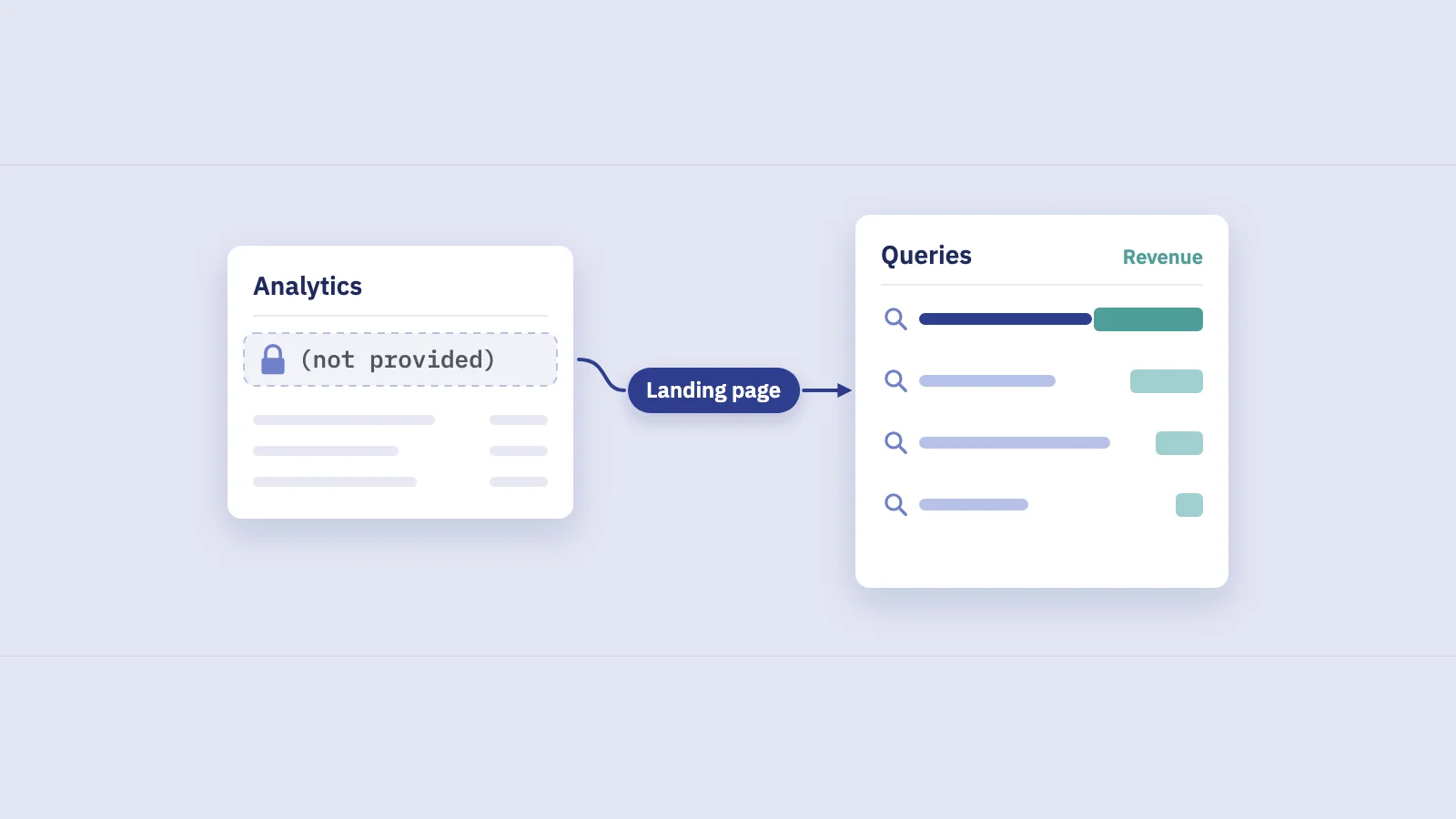
"(not provided)" is the label Google Analytics used for organic Google visits that arrived without their search keyword. Google stopped passing the query to websites years ago, so no analytics setting brings it back. The keywords are not gone, though: Google Search Console reports them, per query and per page, and you can join them to your Analytics landing pages to see which searches bring sessions and revenue.
What "keyword not provided" means
On October 18, 2011, Google announced that SSL search would become the default for signed-in users on google.com. The post spelled out the effect: for organic results on SSL search, "a web site will only know that the user came from google.com". Before that, the browser passed the search query to the site in the referrer, and analytics tools read it from there.
Without the query, Google Analytics still counted the visit as organic search from Google, but it had no keyword to put in the report. It filled the gap with "(not provided)". As encrypted search spread beyond signed-in users, "(not provided)" became the usual entry in organic keyword reports rather than the exception. Today an organic click from Google reaches your site without the query, so no analytics tool can record it on its own.
Google's 2011 post also named the alternative, and it still holds: query data for verified sites lives in Search Console (then Webmaster Tools).
"(not provided)" in Universal Analytics and in GA4
Universal Analytics had an organic keyword report, which is where most people met "(not provided)". GA4 has no organic keyword report at all. The closest dimensions, such as Session manual term, are filled from campaign tagging: Google's definition says the term is populated only when UTM parameters are sent in the click URL. Google's organic results carry no UTM tags, so for organic Google sessions those dimensions hold a placeholder instead of a query.
So "how do I find not provided keywords in Google Analytics" has a short answer: you don't find them in Analytics data itself. You bring them in from Search Console, either inside GA4 through the Search Console link, or outside it by joining the two on the landing page.
What you can recover, and what you can't
Search Console doesn't hand back the keyword of each visit. It reports aggregated searches: for each query and page, how many impressions and clicks Google recorded and at what average position. That changes what you can answer.
| Question | Possible? | Where the answer comes from |
|---|---|---|
| Which queries bring clicks to my site? | Yes | Search Console, Queries tab |
| Which queries bring clicks to a given page? | Yes | Search Console, Page filter plus Queries tab |
| How many sessions and how much revenue did a landing page get from organic search? | Yes | GA4, landing page reports |
| Which keyword did this visitor or this order come from? | No | Not recorded anywhere |
| How much revenue did a single keyword bring? | Only as an estimate | Page revenue split across the page's queries |
| What did people search for on rare, one-off queries? | No | Google anonymizes them |
The last row matters. Google leaves out queries "that aren't issued by more than a few dozen users over a two-to-three month period", to protect searchers' privacy (Google's performance data deep dive). Their clicks still count in the totals; they just never get a name. Our guide to anonymized queries shows how to measure that share on your own site.
Method 1: read the keywords in Search Console
This is the fastest way to see what "(not provided)" used to hide.
- Open Performance > Search results in Search Console for your property and keep the search type on Web.
- Pick a date range. Search Console keeps 16 months of data; start with the last 3 months.
- Open the Queries tab and turn on all four metrics: clicks, impressions, CTR and average position. Sort by clicks.
- Filter by page to see the keywords behind one landing page: + Add filter > Page, paste the URL, then go back to the Queries tab.
- Filter by query to go the other way: add a Query filter, then open the Pages tab to see which URLs rank for it.
- Export the table (the interface exports up to 1,000 rows). For larger sites, use the Search Console API, Looker Studio or the bulk export to BigQuery.
A page filter answers the question people usually mean by "not provided": which searches sent visitors to this page. It is the same data, just organized from the page's side.
Group queries before you read them. A regex filter for brand terms, a product line or question words turns a long query list into a few rows you can compare over time. Our Search Console regex guide has patterns you can copy.
Method 2: link Search Console to GA4
If your team works in GA4, you can bring the query data into it. Linking a Search Console property to a GA4 web data stream adds two reports, according to Google's help on the link:
- Google organic search queries: search queries with Search Console clicks, impressions, CTR and position.
- Google organic search traffic: landing pages with Search Console metrics next to GA4 metrics such as sessions and key events.
To set it up:
- Check access. You need the Editor role on the GA4 property and to be a verified owner of the Search Console property.
- Create the link in GA4 under Admin > Product links > Search Console links, choose the Search Console property and then the web data stream.
- Publish the reports. The Search Console collection is unpublished by default. Open Reports > Library, find the Search Console collection and publish it so it appears in the left navigation.
- Wait for data. Google says the data appears 48 hours after Search Console collects it.
The link has limits worth knowing before you build on it. One web data stream links to one Search Console property. Search Console metrics combine only with Search Console dimensions plus GA4's landing page, device and country, so you can't put queries next to revenue or key events in the same table. History is capped at the 16 months Search Console keeps. In practice the GA4 link gives you queries and landing-page engagement side by side, not keywords with revenue.
For a wider look at which GA4 reports matter for organic search, see Google Analytics for SEO.
Method 3: join keywords to pages and revenue
The question behind "not provided" is usually about money: which searches bring customers. Neither tool answers it alone. GA4 knows what each landing page earned from organic Google sessions, with no keywords. Search Console knows the keywords and clicks per page, with no revenue. The landing page is the one field both share, so that is the join.
- Export organic revenue per landing page from GA4. In an exploration, put Landing page in rows and Sessions, Key events and Total revenue in values, filtered to session source google and medium organic.
- Export query and page pairs from Search Console for the same dates: queries with their clicks, filtered or split by page. The API with the query and page dimensions does this in one pull.
- Normalize URLs. Search Console reports full URLs; GA4 reports a path, sometimes with parameters. Strip the domain, parameters and trailing slashes so both sides match.
- Split each page's revenue across its queries in proportion to their clicks on that page.
- Keep the unnamed share apart. Clicks from anonymized queries have no name, so leave their part of the revenue in a separate "hidden queries" row instead of spreading it over the named ones.
- Add it up by keyword across pages, and by keyword group if you track groups.
Here is how the split works, with example numbers. Say a product page earned $6,000 from organic Google sessions last month, and Search Console shows 1,000 clicks to it.
| Query (example data) | Clicks | Share of the page's clicks | Estimated revenue |
|---|---|---|---|
| waterproof hiking boots | 500 | 50% | $3,000 |
| hiking boots women | 250 | 25% | $1,500 |
| best boots for wet trails | 100 | 10% | $600 |
| Anonymized queries | 150 | 15% | $900 (kept apart) |
The result is an estimate, and it should be labelled as one. It assumes every click on a page converts at the same rate, which is rarely true: brand queries and high-intent product queries usually convert better than broad research queries. A purchase made later, through another channel, is not in organic revenue at all. Treat the numbers as a ranking of which keywords matter, not as accounting.
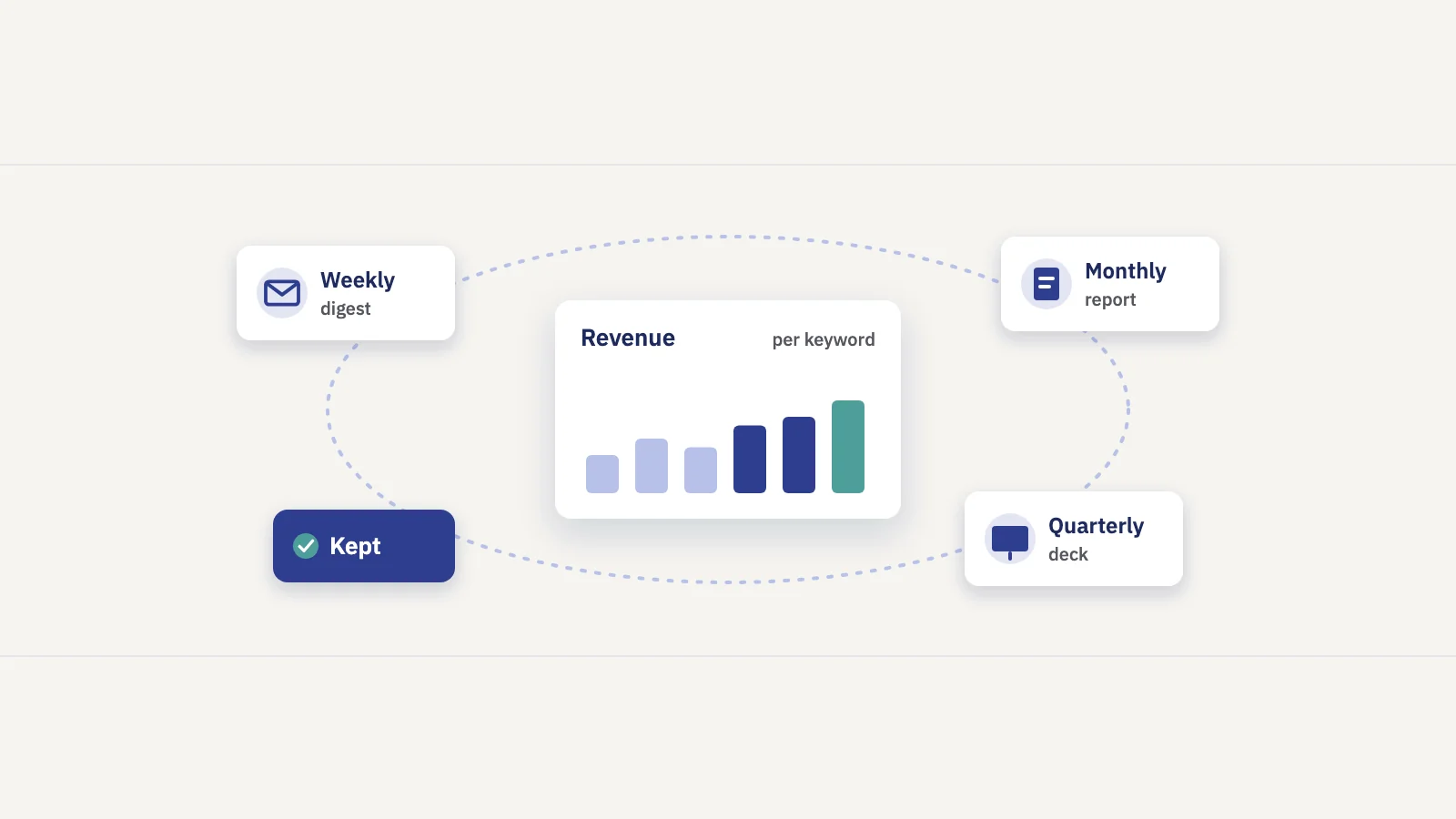
Revenue per keyword is never measured; it is modelled from page revenue and click share. Any tool that shows it, including a spreadsheet you build, should say so and show how uncertain each figure is.
Doing it in Serplyze
Serplyze reads your Search Console data for keyword tracking, and its SEO revenue attribution does the join above for you. You link a GA4 property with read-only access, and Serplyze matches GA4's organic Google landing pages to the pages Search Console reports, with a 28-day preview of how well they line up and rewrite rules for URLs that differ.
Page revenue stays measured, as GA4 reports it. Each page's revenue is then split across its queries by click share, and the clicks Search Console doesn't name stay in a separate hidden-queries share. Every keyword and keyword-group figure is shown as an estimate with an 80% range and a confidence level. Sites without e-commerce can use key events, such as lead forms, instead of revenue. Keyword estimates need at least 28 days of GA4 data and enough organic conversions in the period; until then, the screen says why.
Common mistakes with "not provided" data
- Expecting a recovery trick. No setting, filter or script restores the query per visit. If a method claims to, it is guessing.
- Mixing paid and organic keywords. Google Ads search terms describe ad clicks, not organic clicks. They are useful for research, not as a stand-in for organic queries.
- Reading site search as search keywords. What visitors type into your own search box is valuable, but it is a different behavior from what they searched on Google.
- Expecting totals to match. Search Console clicks and GA4 sessions are counted differently, so they never match exactly. Compare trends and shares, not raw totals.
- Spreading the anonymized share. Allocating unnamed clicks to named keywords inflates the keywords you can see.
- Forgetting brand. Branded queries often carry a large share of organic revenue. Split them out to see what non-branded search brings; our guide to branded vs non-branded traffic covers how.
Frequently asked questions
Why does Google Analytics say "(not provided)"?
Because Google doesn't pass the search query to websites when someone clicks an organic result. Google made encrypted search the default for signed-in users in 2011, and analytics tools lost the keyword from the referrer. Analytics knows the visit came from Google organic search, but not what was searched.
Can I see not provided keywords in GA4?
Not from GA4's own data. Link Search Console to your GA4 property and publish the Search Console collection: the Google organic search queries report then shows your queries with Search Console clicks, impressions, CTR and position. Those queries can't be combined with revenue or key events in the same GA4 report.
Is there a way to unlock (not provided) keywords?
No. The query is never sent to your site, so there is nothing to unlock. Search Console is Google's own source for query data, aggregated per query and page. Anything more precise than that, such as the keyword behind a specific order, does not exist.
How do I find which keywords bring traffic to a specific page?
In Search Console, open Performance > Search results, add a Page filter for the URL and open the Queries tab. You get the queries that led to clicks and impressions on that page, with position and CTR for each.
How accurate is revenue per keyword?
It is an estimate. It splits a landing page's measured revenue across its queries by click share, so it is only as good as the assumption that clicks convert evenly. Use it to rank keywords by value and show it with a range, not as an exact figure.
Key takeaways
- "(not provided)" means Google didn't pass the search query to your site; since encrypted search became the default, Analytics can't record organic keywords.
- GA4 has no organic keyword report; its term dimensions are filled from UTM tags, which organic results don't carry.
- Search Console has the keywords, aggregated per query and page; filter by page to see the searches behind a landing page.
- Linking Search Console to GA4 adds query and landing page reports, but queries can't sit next to revenue in GA4.
- Joining GA4 page revenue to Search Console clicks gives revenue per keyword as an estimate; keep anonymized queries apart and label the numbers.
Serplyze tracks your keywords from your own Search Console data and, with GA4 linked, estimates the organic revenue behind each one. Start free and see which searches your revenue comes from.