An SEO campaign is a time-boxed push to improve organic search results for one defined set of keywords and pages, with a goal, a start date and an end date. Unlike ongoing SEO, a campaign has a scope you can name ("the pricing pages", "the spring collection", "the comparison guides") and a result you can measure against a baseline when it ends.
This guide covers how to plan one, three example campaigns, and how to track the work with your own Search Console data: keyword groups for the scope, dated notes for the work, and a report for the result.
What an SEO campaign is (and how it differs from ongoing SEO)
Most SEO work is continuous: fixing technical issues as they appear, publishing on a schedule, keeping pages current. A campaign sits on top of that. It pulls a slice of the site out, gives it a goal and a deadline, and puts focused effort behind it.
The difference matters for measurement. Ongoing SEO is judged on the whole site over long periods. A campaign is judged on its own keywords and pages, over its own dates, against what those keywords did before it started. If you can't say which keywords and pages are in the campaign, you can't say whether it worked.
| Ongoing SEO | SEO campaign | |
|---|---|---|
| Scope | Whole site | A named set of keywords and pages |
| Timeline | Open-ended | Start and end date, with checkpoints |
| Goal | General growth and health | One measurable target for that scope |
| Measured on | Site totals over time | The campaign's keywords and pages vs their own baseline |
| Typical work | Maintenance, steady publishing | A burst of content, on-page, linking or technical changes |
"Campaign SEO" sometimes also means the organic side of a marketing campaign: a product launch, a seasonal sale, an event. The planning steps below work the same way for both. The only difference is that the end date is set by the marketing calendar instead of by you.
The four parts of an SEO campaign plan
Every campaign plan needs four things written down before work starts. If one is missing, the campaign either drifts or can't be evaluated.
1. The goal
One measurable target for the campaign's scope, with a number and a date. Good campaign goals use metrics you can read directly from Search Console:
- Clicks from the campaign's keywords or pages.
- Impressions, when the goal is to start appearing for queries you don't show up for yet.
- Average position on a defined keyword set, read per query rather than as one blended number (our guide to average position in Search Console explains why).
- Keywords in the top 3 or top 10, which is easier to explain to stakeholders than an average.
Avoid goals that depend on things outside the campaign, like site-wide traffic. A campaign on ten pages can succeed while the site total falls for unrelated reasons.
2. The keyword group
The list of queries the campaign targets. Build it from data you already have: in Search Console, open Performance > Search results, add a Query filter with Custom (regex) to pull in a topic's variants, and look at what the target pages already rank for in the Queries tab. Add the queries you want to rank for but don't yet; they will show no data until Google first shows your site for them.
Keep the group tight. A campaign with 400 keywords is a content strategy, not a campaign. A few dozen keywords that share one intent is easier to work on and easier to read. Our guide to keyword clustering with Search Console covers how to group queries by intent.
3. The pages
The URLs you will create or change, mapped to the keywords. One primary page per intent; if two of your pages already split the same queries, deciding which one wins is part of the campaign (see keyword cannibalization).
Write down for each page what you plan to do: a new page, a rewrite, a title and description change, new internal links, a technical fix. This list becomes the campaign log later.
4. The timeline
A start date, an end date and checkpoints in between. Search results don't react the day you publish: Google has to crawl the changed pages and rankings take time to settle, so leave room between the last change and the final read. Google's own advice when hiring an SEO is to ask "what kind of results do you expect to see, and in what timeframe" (Google Search Central), which is a fair question to answer for your own campaigns too.
A simple structure:
- Baseline (week 0). Record the keyword group's clicks, impressions, CTR and positions over a fixed window, such as the last 28 days.
- Work phase. Ship the changes in the page list. Log each one with its date.
- Settling period. No new changes to the campaign pages, so the results can be read cleanly.
- Read-out. Compare an equal window after the work against the baseline, next to the site's own trend in the same weeks.
- Decision. Extend, stop, or roll the approach out to similar pages.
SEO campaign examples
The three campaigns below are hypothetical examples to show how the four parts fit together. They are not real clients and the numbers are illustrative.
Example 1: Refreshing a decaying guide cluster. A software company's how-to guides have lost clicks year over year.
- Goal: recover clicks from the guides' main queries to last year's level within one quarter.
- Keyword group: the 30 queries the six guides earned most clicks from a year ago.
- Pages: six existing guides, refreshed with current screenshots and steps; two thin guides merged into stronger ones and redirected.
- Timeline: four weeks of work, four weeks settling, read-out at week 12.
Example 2: Getting a new category page onto page one. An online store launches a category it didn't sell before.
- Goal: 15 of the category's 25 target keywords in the top 10 within four months.
- Keyword group: 25 queries for the category, its main subtypes and "best" or "for" modifiers.
- Pages: one new category page, three supporting buying guides, internal links from related categories and the top navigation.
- Timeline: launch in month 1, supporting content in month 2, read-outs at the end of months 2 and 4.
Example 3: A seasonal campaign. A travel site wants to rank for spring break queries before searches peak.
- Goal: higher impressions and clicks on the spring break group than in the same weeks last year.
- Keyword group: destination plus "spring break" queries, built from last year's Search Console data.
- Pages: existing destination pages updated with dates and prices; two new comparison pages.
- Timeline: work finished well before the peak, because pages need to be crawled and settled before demand rises. Read-out compares the season year over year, since comparing with the previous weeks would only show the seasonal rise.
Notice what each example has: a scope you could filter on, a target you could check, and a date you could check it on.
How to track an SEO campaign with Search Console
Search Console has everything a campaign read-out needs, if you set it up before the work starts.
- Save the keyword group as a regex. In Performance > Search results, click + Add filter, choose Query, then Custom (regex), and combine the campaign's queries or patterns, for example
spring break (mexico|florida|cancun). Keep the expression in your campaign document so you apply the same filter every time. - Save the page list the same way. A Page filter with a regex over the campaign URLs gives you the page-level view: every query landing on those pages, not just the ones you planned.
- Record the baseline. Set the date range to your baseline window and note clicks, impressions, CTR and position for both filters. Export the Queries tab so you have the per-keyword starting positions.
- Log every change with its date. Search Console has no annotations, so keep a dated change log next to your filters: what changed, on which page, on which day.
- Read the results with Compare. Use the date filter's Compare option to put an equal window after the work against the baseline. For seasonal campaigns, compare against the same weeks last year instead.
- Check against the site. Run the same comparison with no filters. If the whole site grew 15% in the same weeks, a campaign that grew 15% didn't add anything on its own.
The limits are real but manageable: the interface shows and exports up to 1,000 rows, data goes back 16 months (Performance report help), and very rare queries are hidden for privacy. For a campaign of a few dozen keywords, none of those get in the way. What does get in the way is redoing the filters and the comparison by hand at every checkpoint.
Read position per query, not for the whole group at once. If the campaign brings in new long-tail queries at position 40, the group's average position can get worse while every original keyword improves.
Tracking campaigns with keyword groups, notes and reports
In Serplyze, the same setup is built once and then kept up to date from your daily Search Console sync.
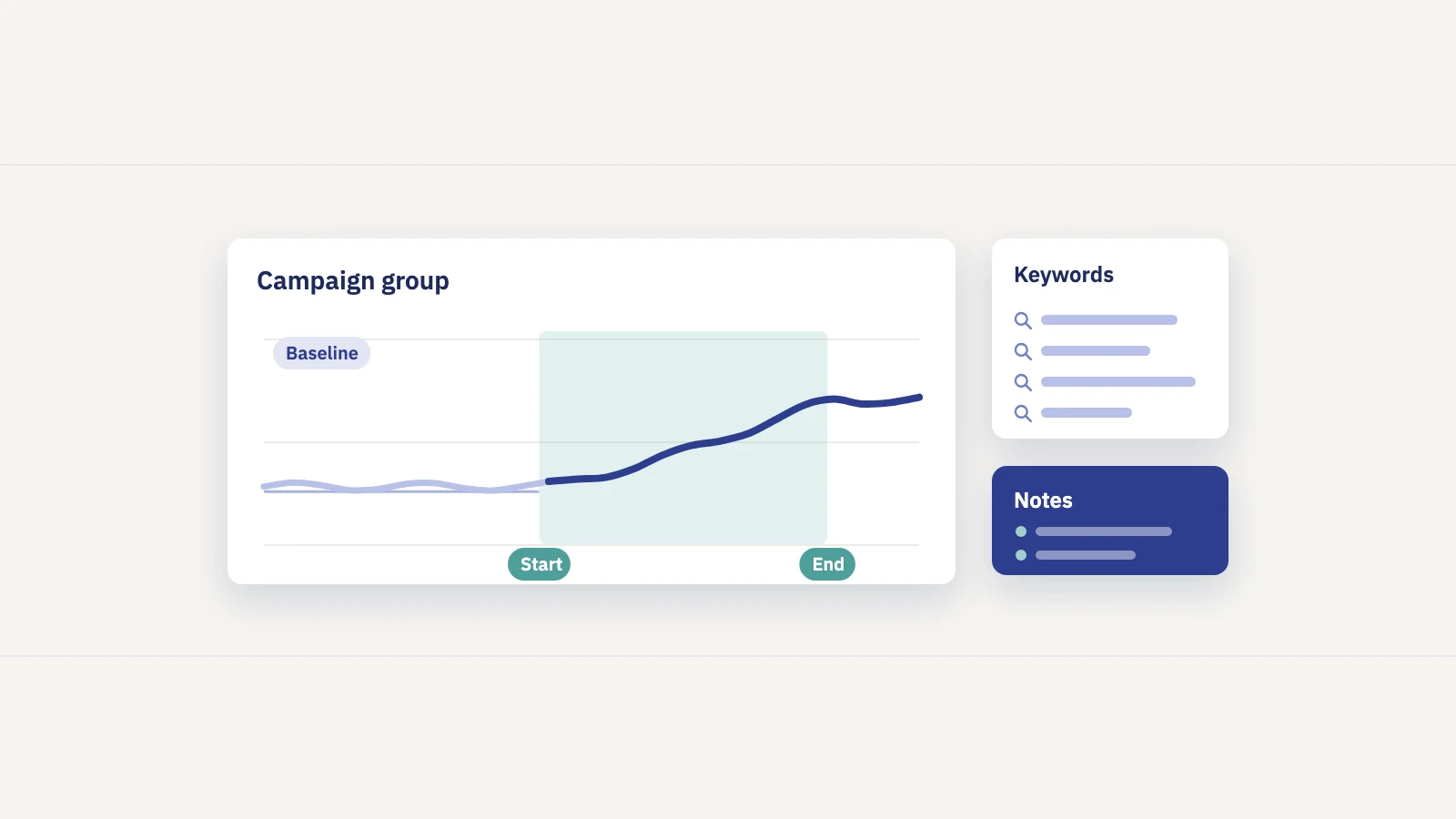
Keyword groups for the scope. A campaign becomes a keyword group: a manual group with exactly the queries you chose, or a rule-based group that matches on query text (contains, starts with, equals or regex) or landing URL, so new matching keywords join on their own. Folders can hold several campaigns and roll their visibility up. Each group shows its visibility, clicks, positions and the spread of keywords from positions 1–3 down to 51+. Page groups do the same for the campaign's URLs.
Notes for the timeline. Notes have a Campaign category and can cover a date range, so the whole campaign shows as a band on the charts, with single-day notes for each launch inside it. A note can belong to the workspace, a project, a group, a keyword or a page, so the campaign note shows where it matters.
Actions for the changes. On paid plans, each change can be logged as an action targeting its pages, keywords or a page group. Once the change has settled (7 days by default), the 28 days after it are compared with the 28 days before, next to the site's own change, so a seasonal swing isn't credited to the work. A before and after comparison shows correlation, not proof: a Google update in the same weeks can move the numbers too, which is why Google updates are also marked on the charts.
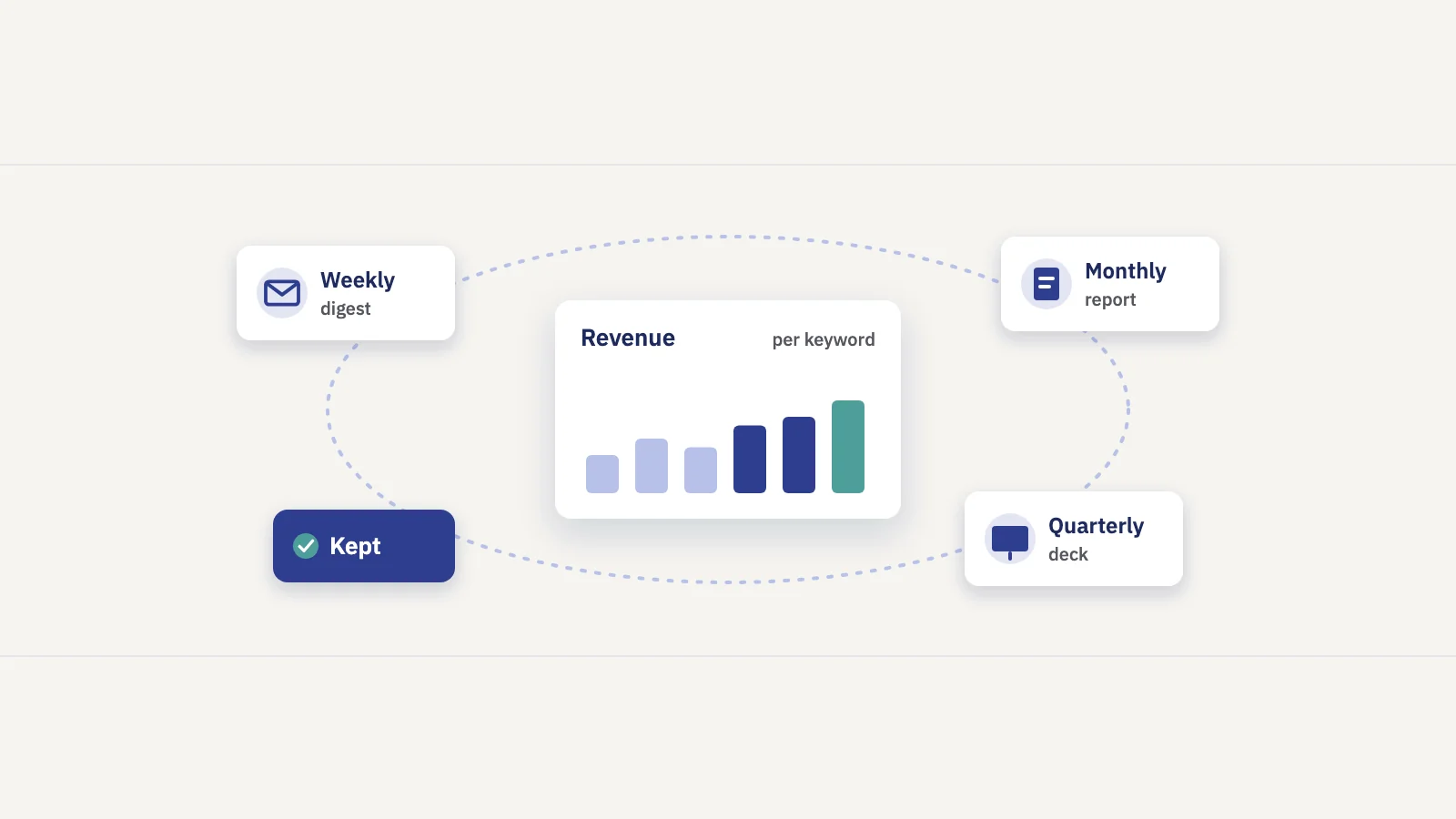
Reports for the read-out. In a scheduled report, the keyword sections can be scoped to the campaign's keyword group (and page sections to its page group), then sent weekly or monthly to the people who care about it, as an email, a read-only share link or a PDF. Project notes you leave visible to clients are flagged on the report's trend chart, so stakeholders see the campaign dates next to the results.
Common campaign mistakes
- No baseline. If you didn't record where the keywords stood before, every result is a guess. Take the baseline before the first change.
- Scope creep. Adding keywords halfway through changes what you are measuring. Start a second campaign instead.
- Reading too early. A week after publishing, most changes haven't been crawled and settled. Plan the read-out date in advance and stick to it.
- Ignoring the site trend. Campaign keywords move with the site. Compare the campaign's change with the site's change in the same window.
- One blended number. An average over the whole group hides which pages worked. Look at the keywords and pages individually before deciding what to repeat.
- Promising rankings. Nobody controls rankings; Google says plainly that "no one can guarantee a #1 ranking" (Google Search Central). Set goals as targets to work toward and report honestly against them.
Frequently asked questions
What is an SEO campaign?
An SEO campaign is a planned, time-limited effort to improve organic search performance for a specific set of keywords and pages. It has a measurable goal, a defined scope and a start and end date, so its results can be compared with a baseline.
How long should an SEO campaign run?
Long enough for the changes to be crawled and for rankings to settle after the last change. For most campaigns that means several weeks of work plus a settling period before the final read-out. Seasonal campaigns are set by the season: finish the work before demand rises.
How do you measure an SEO campaign's success?
Compare the campaign's keyword group and pages over an equal window after the work against the baseline before it, using clicks, impressions, CTR and position per keyword. Then compare that change with the whole site's change in the same weeks, so you don't credit the campaign with growth the site had anyway.
What is the difference between an SEO campaign and an SEO strategy?
The strategy is the long-term plan for the whole site: which topics to own, how the site is structured, how content is maintained. A campaign is one bounded project inside it, with its own scope, goal and dates.
Can you track an SEO campaign for free?
Yes. Search Console's Performance report, a regex filter for the campaign's queries and pages, a dated change log and the Compare option cover the basics. A rank tracker built on Search Console data saves the repeated filtering and keeps the history, notes and reports in one place.
Key takeaways
- An SEO campaign is a time-boxed push on a named set of keywords and pages, judged against that scope's own baseline.
- Write down four things before starting: the goal, the keyword group, the pages and the timeline with checkpoints.
- In Search Console, save the campaign's queries and pages as regex filters, record a baseline, log every change with its date and read results with Compare.
- Read position per keyword, compare equal windows, and check the campaign's change against the site's own trend.
- Keyword groups, campaign notes and scheduled reports turn the same setup into a view that updates itself.
Serplyze tracks your campaigns from your own Search Console data, with keyword groups for the scope, campaign notes on every chart and reports for the read-out. Start free and set up your first campaign group.